Fleet Analytics
Maintenance Records
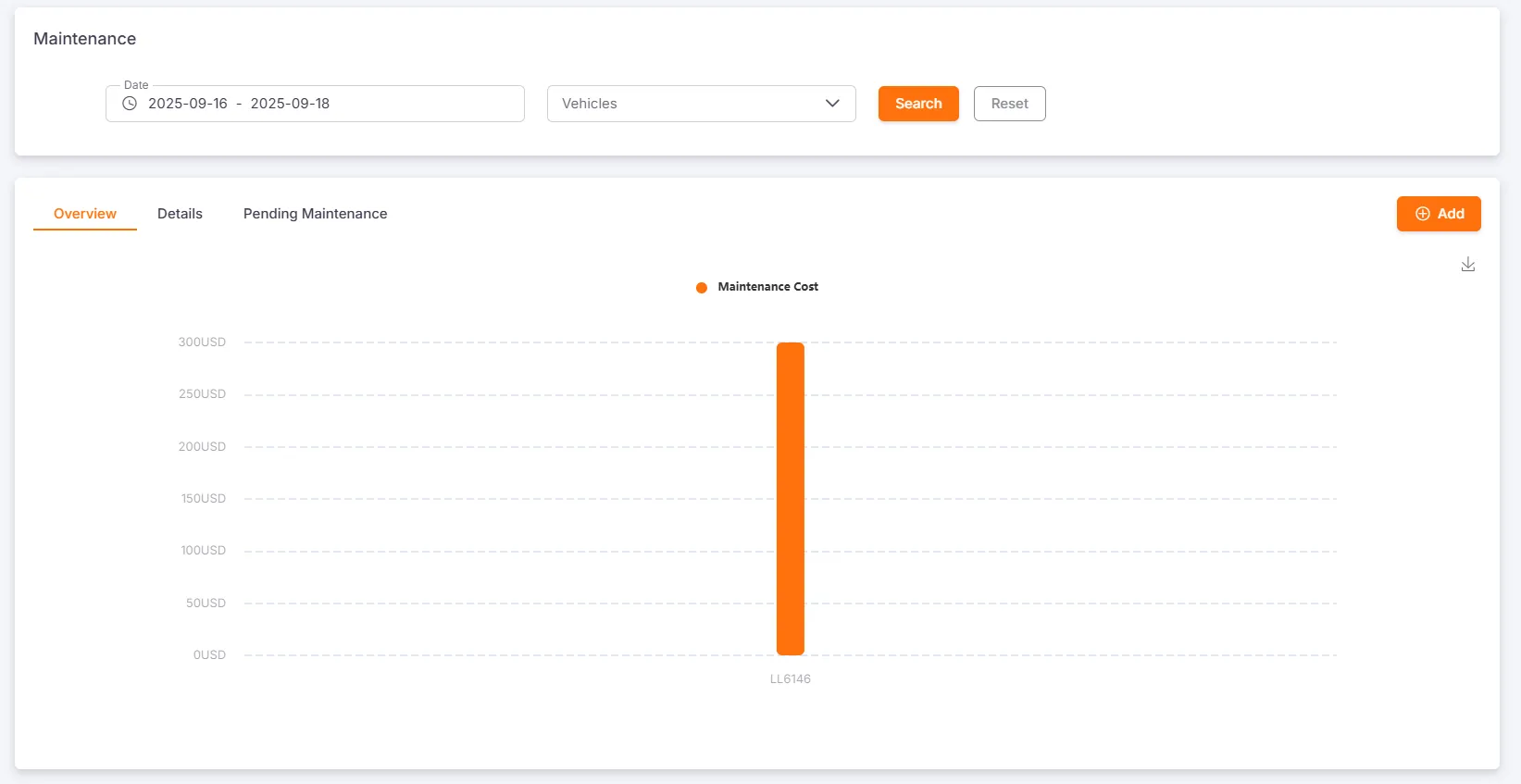
Section titled “Maintenance Records”Users can query, create, edit, and delete maintenance records by date and vehicle. The system also provides a bar chart to visually display the maintenance costs for each vehicle.
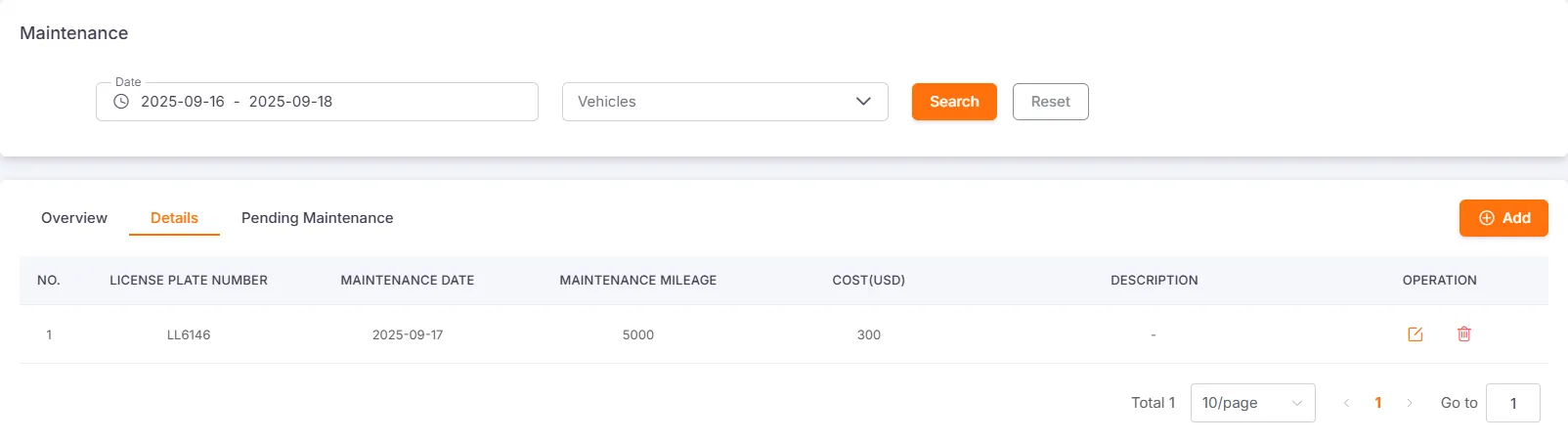
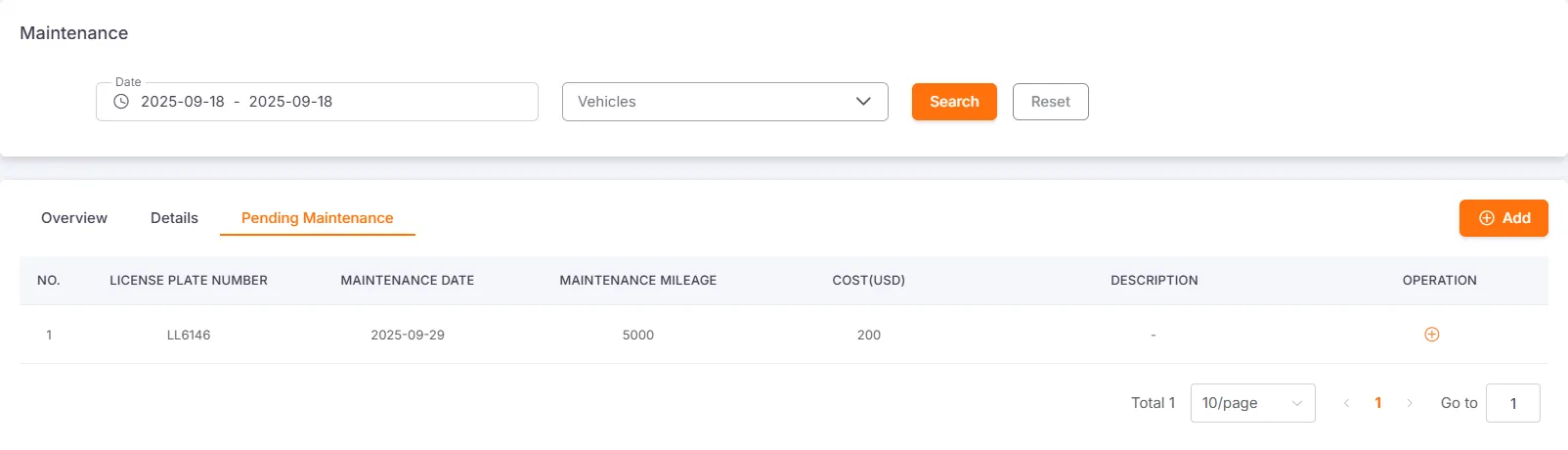
When a vehicle’s next maintenance date is within the next 30 days, the vehicle will enter the Awaiting Maintenance state.
Log Maintenance Record
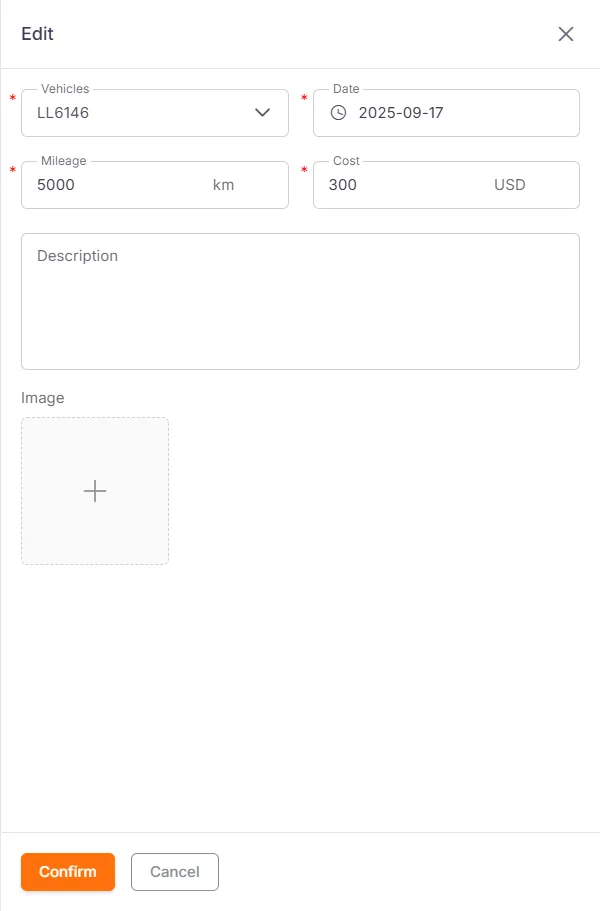
Section titled “Log Maintenance Record”When logging a maintenance record, you must select a vehicle and fill in the maintenance date, maintenance mileage, and maintenance cost. Description and pictures are optional.
The maintenance cost unit is consistent with the currency unit set in the platform.
Insurance Records
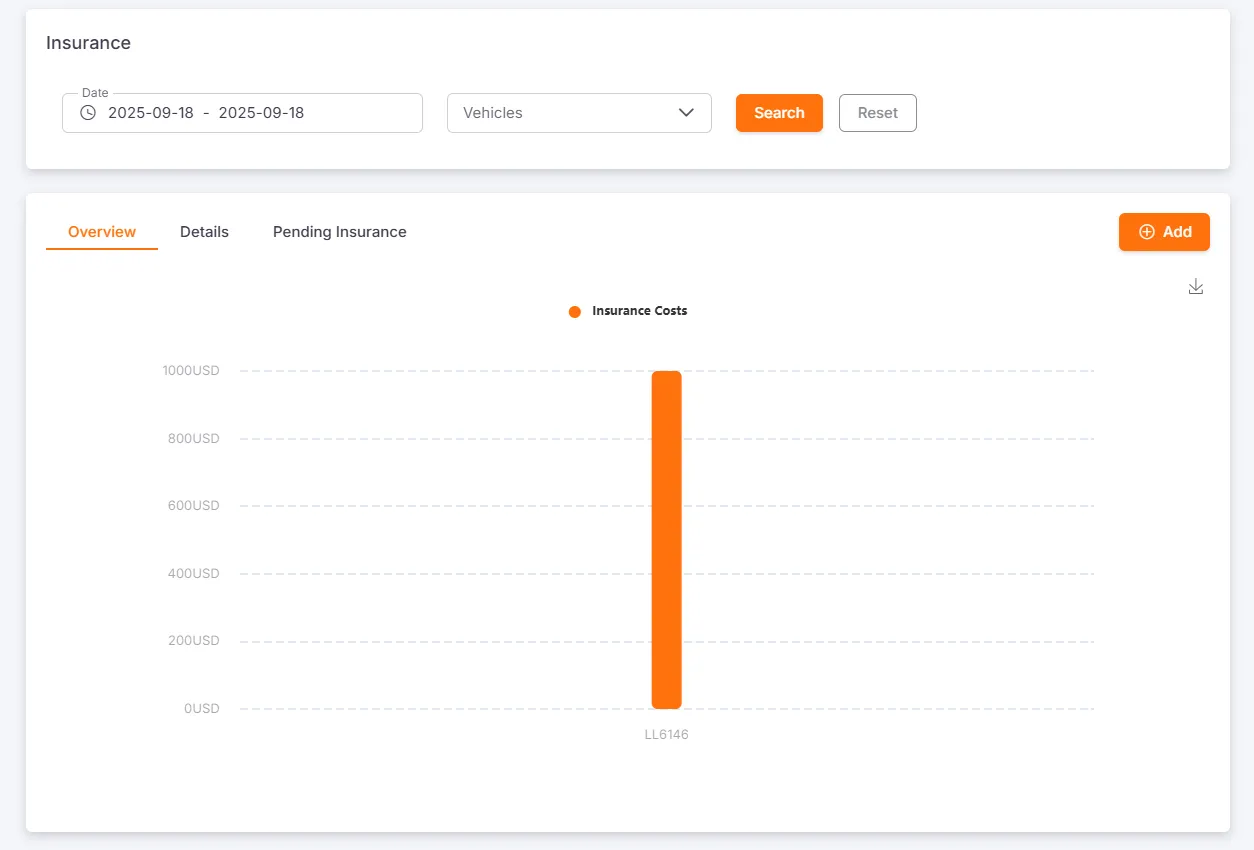
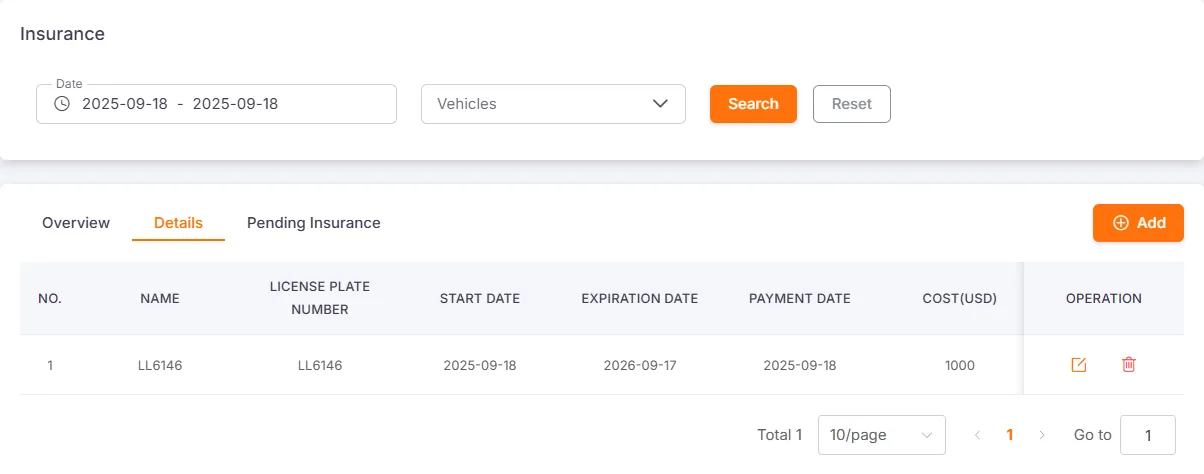
Section titled “Insurance Records”Users can query, create, edit, and delete insurance records by date and vehicle. The system also provides a bar chart to visually display the insurance costs for each vehicle.
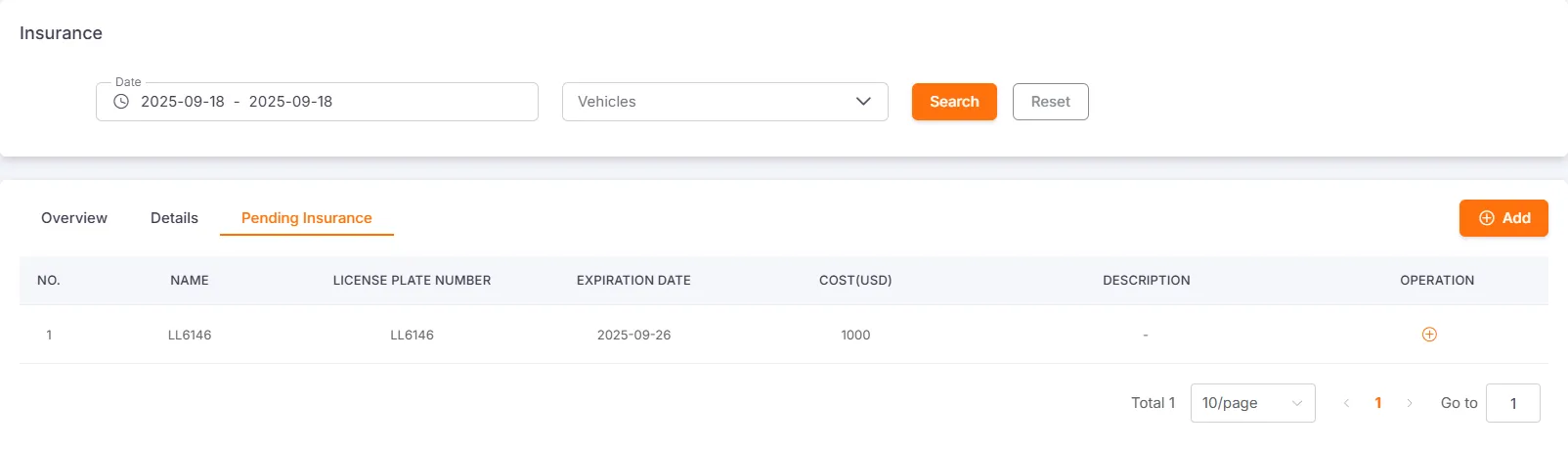
When a vehicle’s insurance expiration date is within the next 30 days, the vehicle will enter the Awaiting Insurance state.
Log Insurance Record
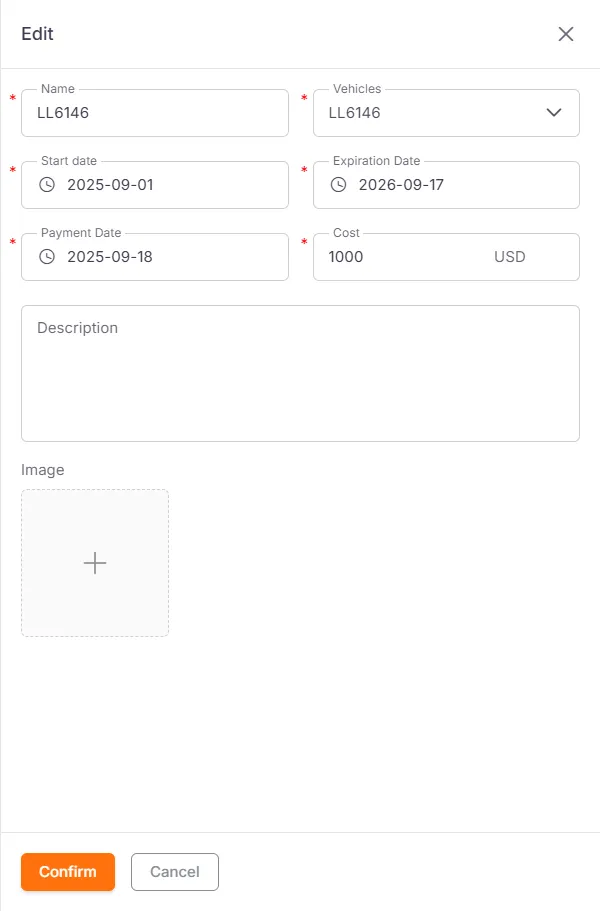
Section titled “Log Insurance Record”When logging an insurance record, you must select a vehicle and fill in the insurance name, start date, expiration date, payment date, and insurance cost. Description and pictures are optional.
The insurance cost unit is consistent with the currency unit set in the platform.
Fuel Records
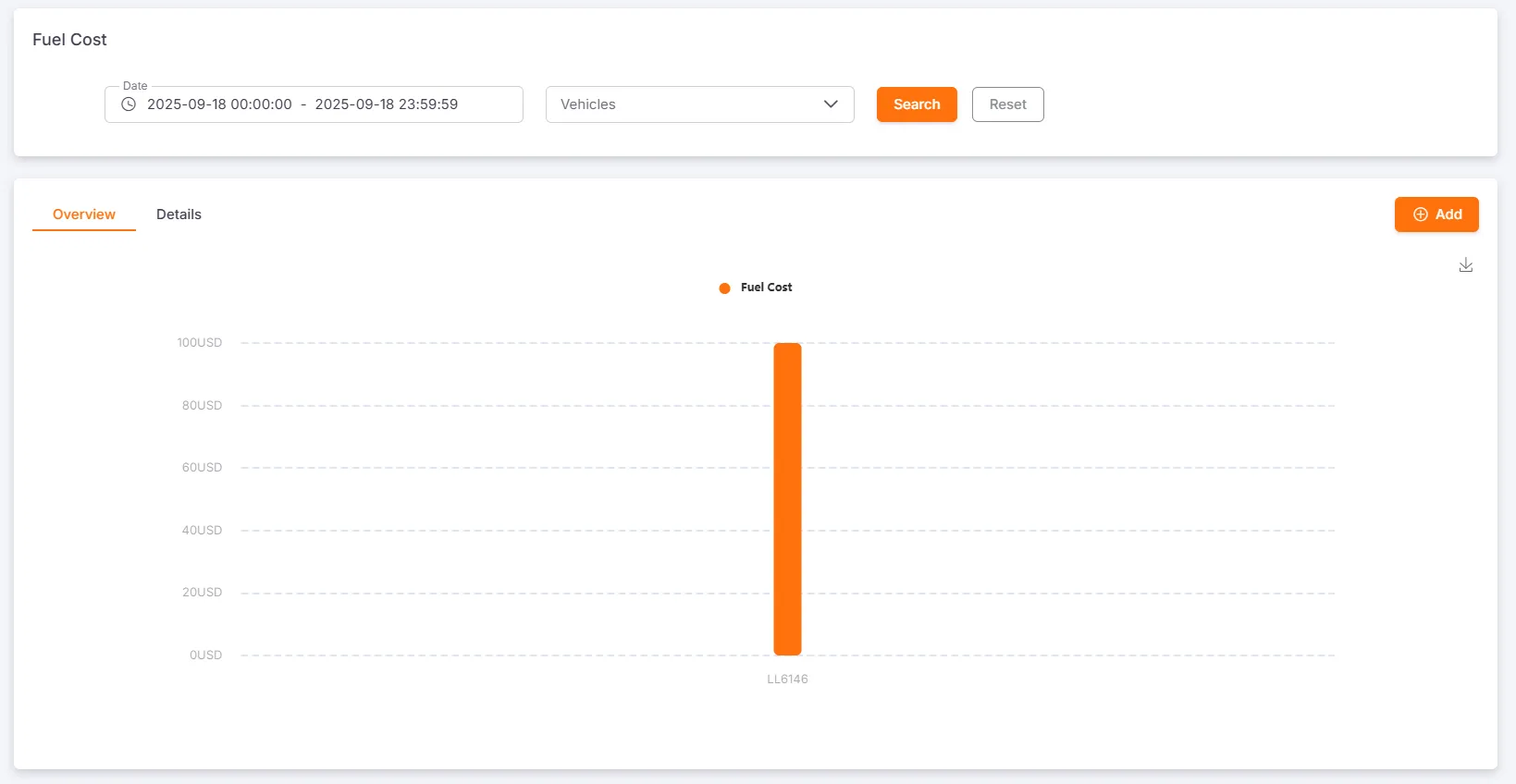
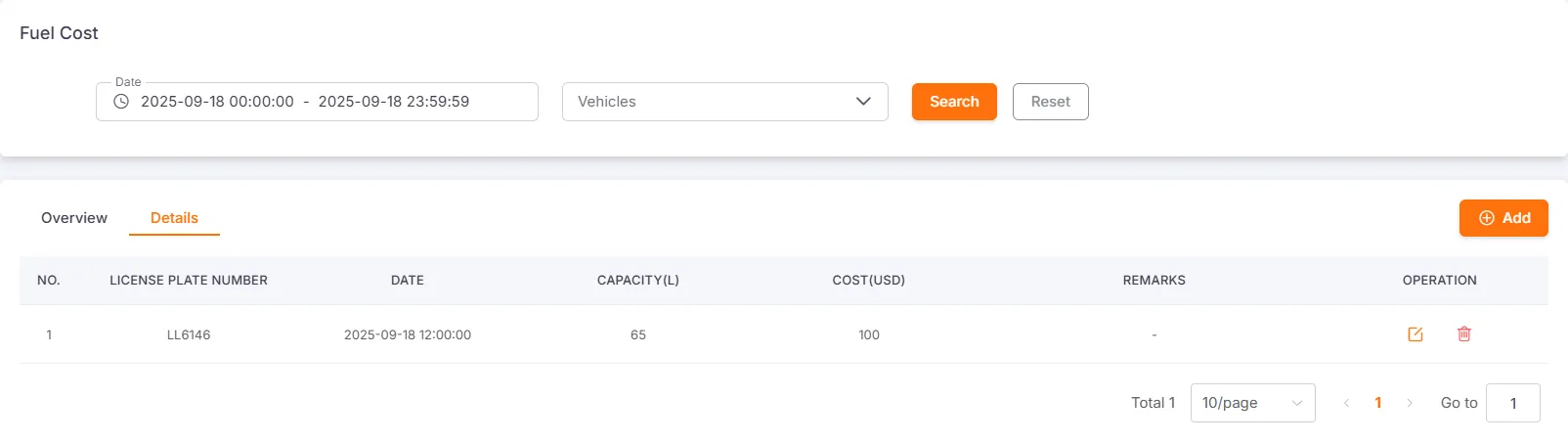
Section titled “Fuel Records”Users can query, create, edit, and delete fuel records by date and vehicle. The system also provides a bar chart to visually display the fuel costs for each vehicle.
Log Fuel Record
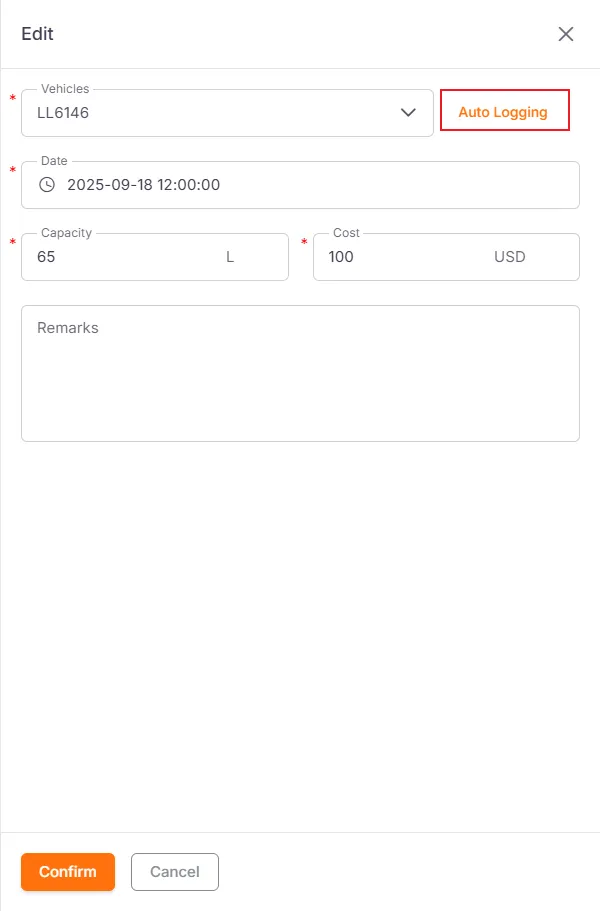
Section titled “Log Fuel Record”When logging a fuel record, you must select a vehicle and fill in the refueling date, refueling capacity, and fuel cost. Remarks are optional.
If the vehicle is equipped with a fuel sensor, the system can query the fuel level change records. Checking the relevant record can automatically fill in the refueling information.