Customer Management System (CMS)
Our Customer Management System (CMS) is centered on fine-grained device management and user permission control, while our Internet of Things (IoT) platform focuses on in-depth device data analysis and visual reporting.
You can access the system by entering the provided Server Access Address or Auto-login Address into your browser’s address bar.
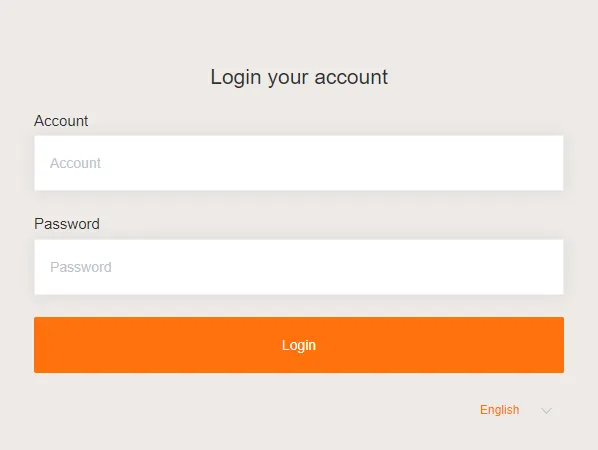
On the account/password login page, you can select your preferred language.
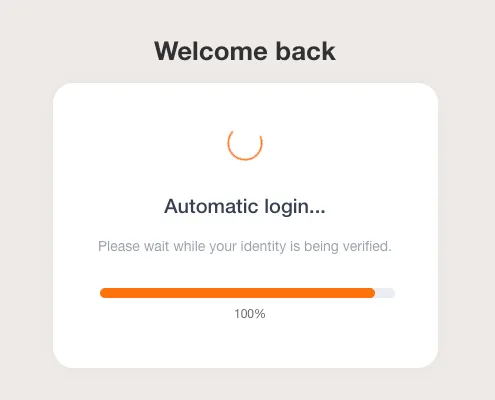
Auto-login Page, to enable auto-login, you first need to configure the SSO link in SSO Configuration.
Customer
Section titled “Customer”Refers to the sales target, primarily a company.
Distributor
Section titled “Distributor”A type of customer that acts as a reseller, having multiple sub-users and subordinate customers.
graph TD
    A["ABC Trading Co. (Distributor)"]

    subgraph "Internal Users"
        B["Mr. A (Administrator)"]
        C["Engineer B (Sub-user/Employee)"]
        D["Salesperson C (Sub-user/Employee)"]
    end

    subgraph "Subordinate Customers"
        E["Store A (Customer)"]
        F["Store B (Customer)"]
    end

    A -- "includes" --> B
    A -- "includes" --> C
    A -- "includes" --> D

    A -- "manages" --> E
    A -- "manages" --> F
Enterprise
Section titled “Enterprise”A type of customer that is a company, having multiple sub-users.
graph TD
    X["XYZ Tech Inc. (Enterprise)"]

    subgraph "Internal Users"
        Y["Mr. A (Administrator)"]
        B["Engineer B (Sub-user/Employee)"]
        C["Salesperson C (Sub-user/Employee)"]
    end

    X -- "includes" --> Y
    X -- "includes" --> B
    X -- "includes" --> C
Administrator
Section titled “Administrator”The administrator of a customer account.
Sub-user
Section titled “Sub-user”Other general users of a customer account.