Customer Management
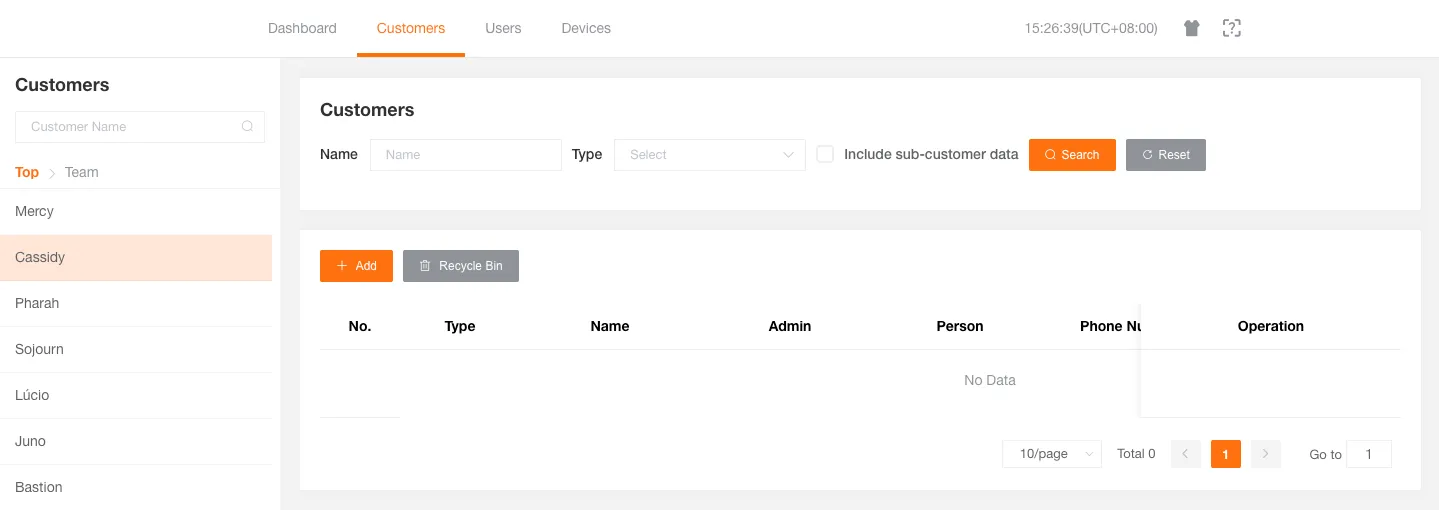
Manage customers in the platform, including searching for customers, creating new customers, modifying customer information, setting permissions, resetting passwords, and deleting customers.
Create Customer
Section titled “Create Customer”You can create new sub-customers.
-
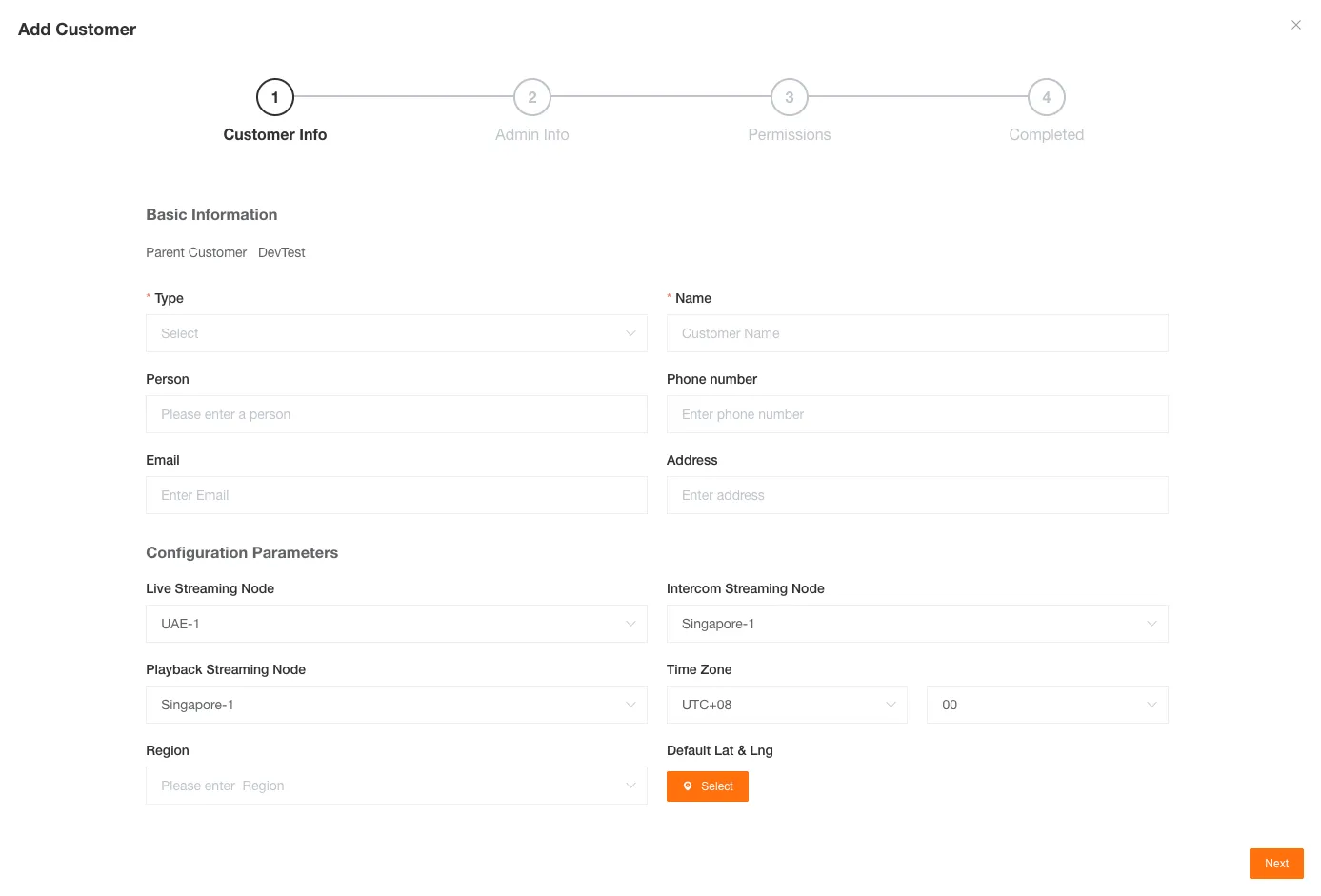
Fill in the basic information of the customer, including customer type and customer name.
Contact person, contact phone, contact email, address, configurations related to Streaming Service (such as live stream, intercom, history playback nodes), time zone, region, and default latitude and longitude are optional.
-
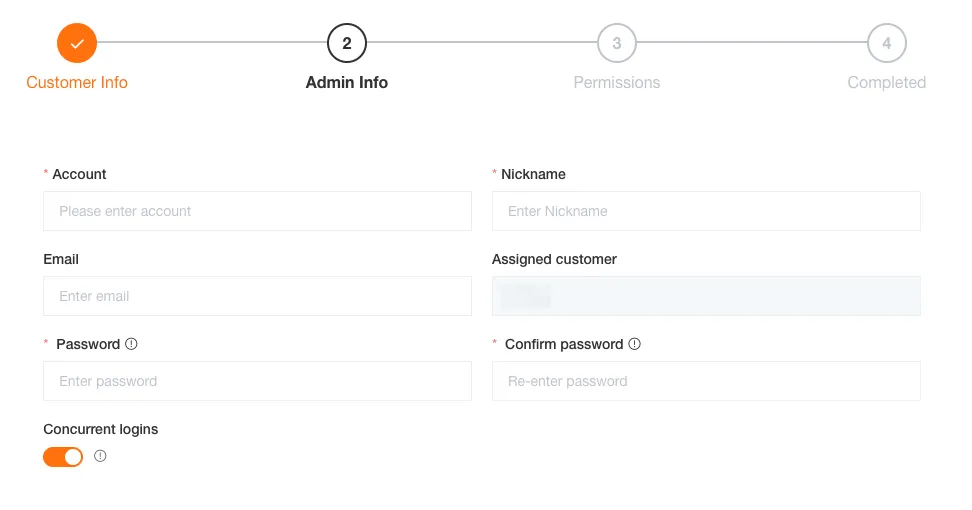
Fill in the basic information of the customer’s administrator, including account, nickname, and login password.
Email is optional, the customer it belongs to defaults to the selected customer, and concurrent login allows the customer’s administrator to log in on multiple devices simultaneously.
-
Configure the permissions for the customer’s administrator.
Select the menu and function permissions for the customer’s administrator.
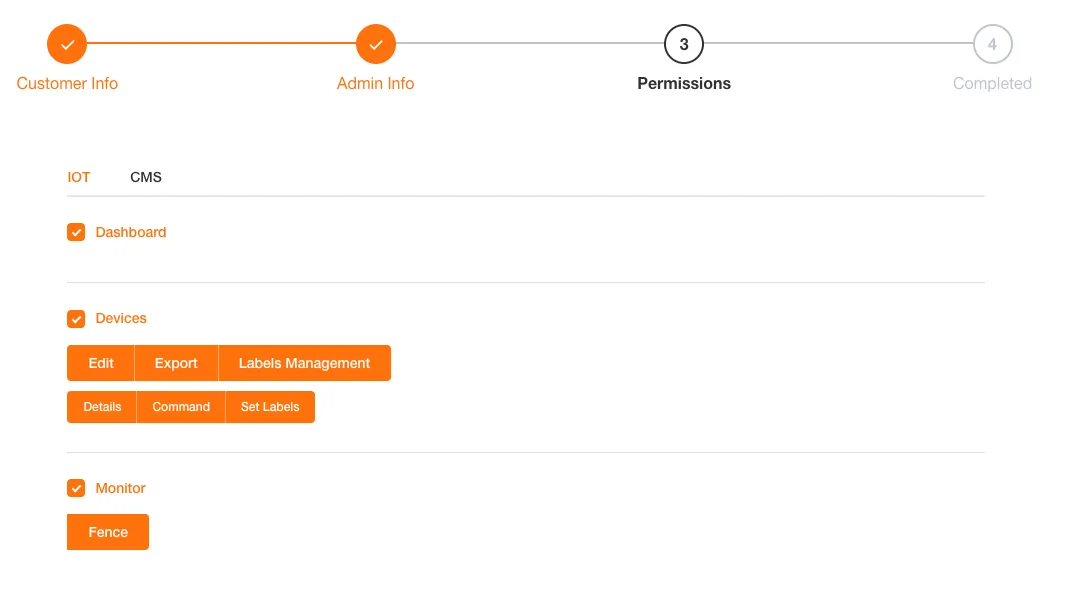
-
Customer creation is complete.
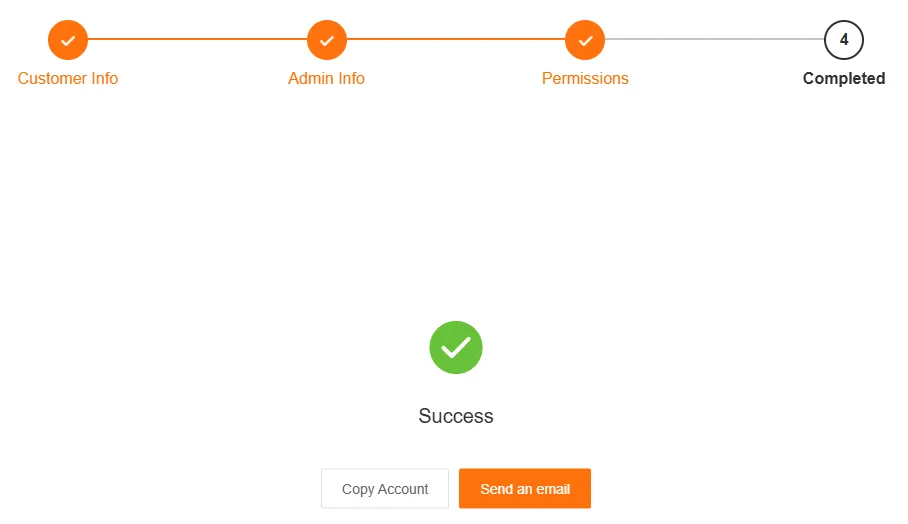
After creation, you can copy the account information or share it by sending an email.
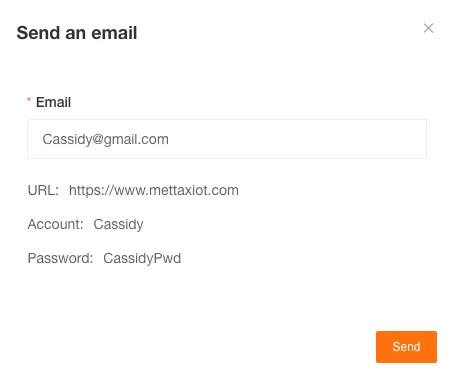
Edit Customer Information
Section titled “Edit Customer Information”You can edit the basic information of a customer.
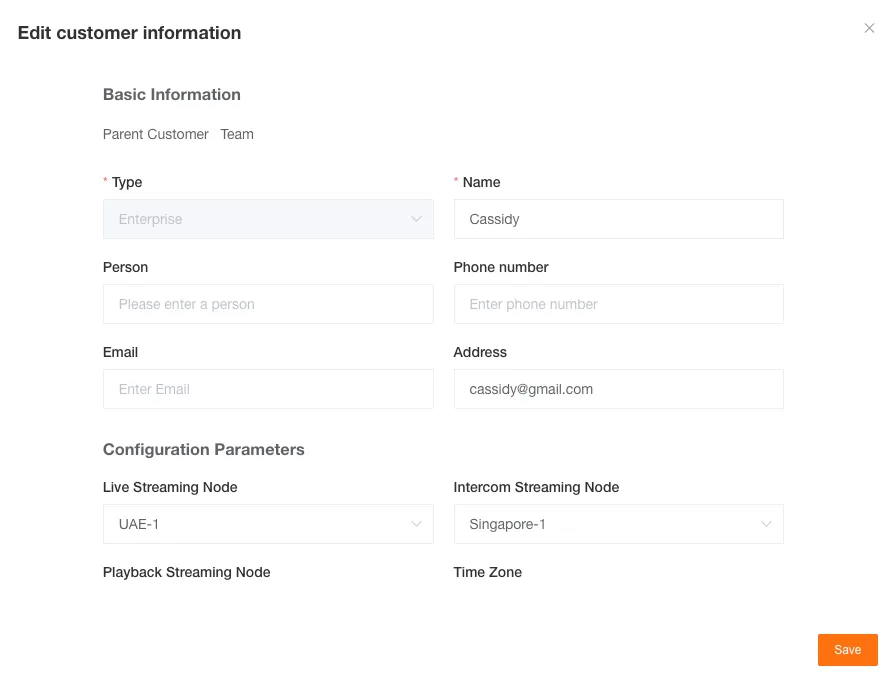
Customer Permission Settings
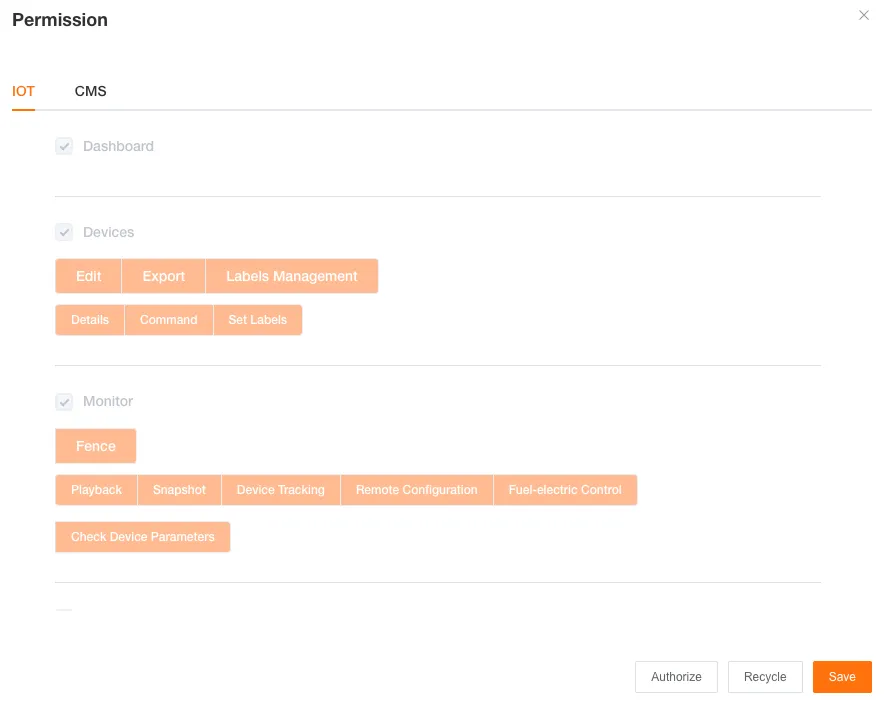
Section titled “Customer Permission Settings”You can set menu and function permissions for sub-customers, and you can also revoke these permissions.
To ensure security, granting and revoking permissions must be done separately.
Delete Customer
Section titled “Delete Customer”A customer must meet all of the following conditions to be deleted:
- No associated licenses
- No sub-customers
- No sub-users
- No associated devices
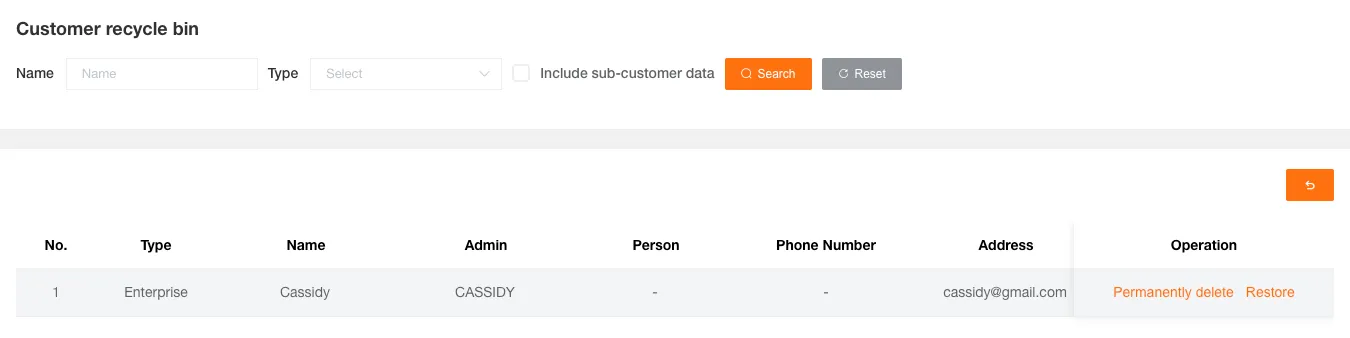
Deleted customers will be moved to the recycle bin, where you can choose to permanently delete or restore them.
Reset Customer Password
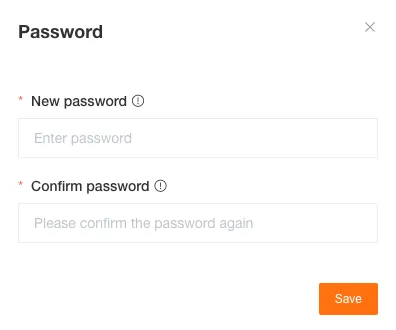
Section titled “Reset Customer Password”If a sub-customer’s administrator forgets their login password, you can use this function to reset a new password for them.