Fence
Fence List
Section titled “Fence List”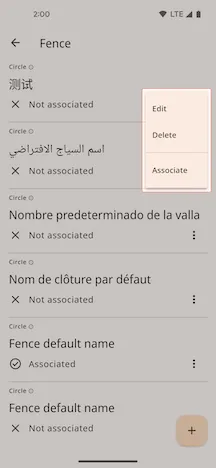
In the fence list, you can perform the following actions:
- Manage fence: Click the menu button on the right side of a list item to
Edit,Delete. - Associate: After clicking
Associate, the fence settings will be synchronized to the device. - Add fence: Click the ”+” button in the bottom right corner of the screen to create a new fence.
Add or Edit fence
Section titled “Add or Edit fence”On the add or edit page, you can set up fences of different shapes according to your needs.
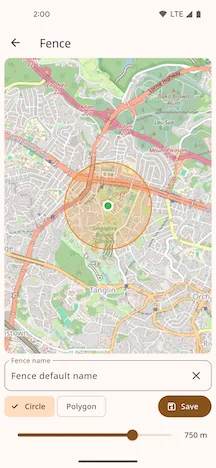
-
Circle: After selecting the circle shape, you can adjust the radius of the fence by dragging the slider.
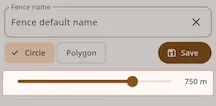
-
Polygon: After selecting the polygon shape, you can draw the fence area on the map.
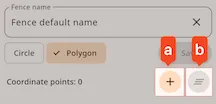
- a: Add a boundary point
- b: Clear the drawn boundary points
Once the information is complete, click Save to finish the operation.