Other Features
Time Zone Settings
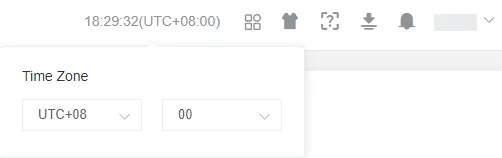
Section titled “Time Zone Settings”Click the time in the upper-right corner of the page to change the current account’s time zone.
Application Center
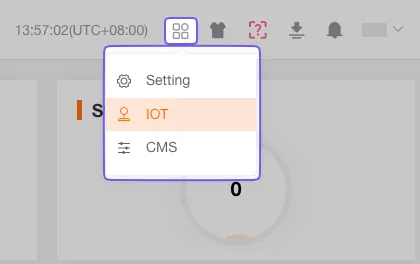
Section titled “Application Center”Click the Application Center icon to quickly access modules such as Internet of Things (IoT), Customer Management System (CMS), Fleet, or Developer tools.
Settings
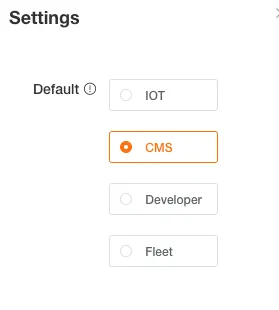
Section titled “Settings”Open the settings window to choose the system you want to enter automatically after login.
System Style
Section titled “System Style”Customize the platform’s theme color and menu layout based on your preferences.
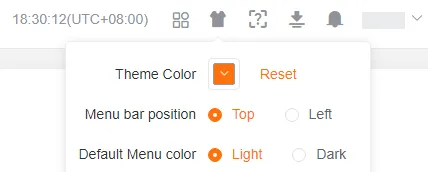
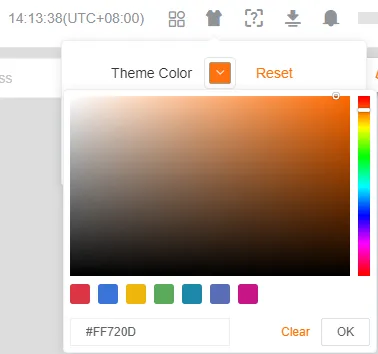
Theme Color
Section titled “Theme Color”Select a theme color. You can pick from preset schemes or define a custom color.
Menu Layout
Section titled “Menu Layout”Choose the display mode of the system menu: left sidebar or top navigation.
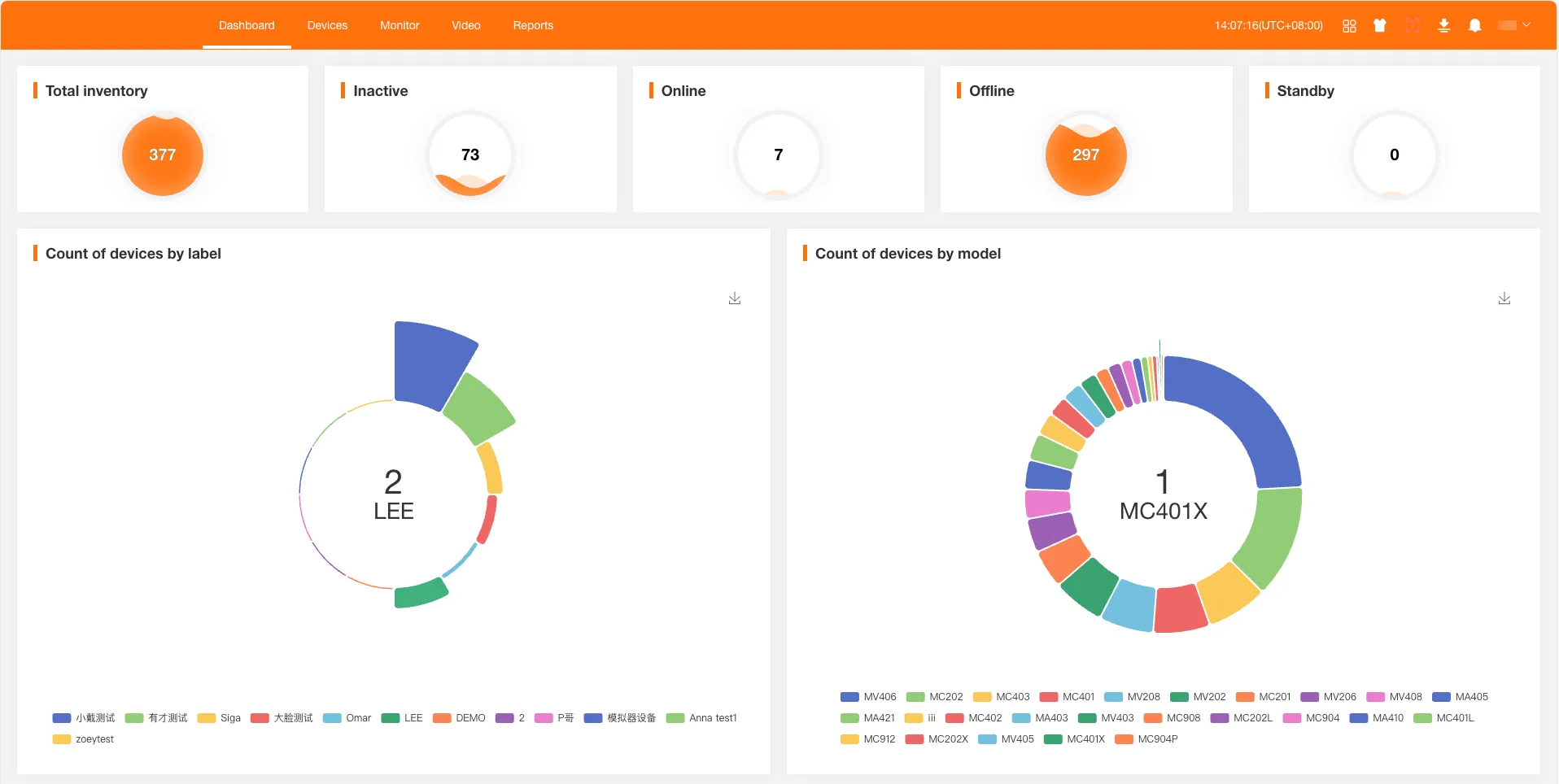
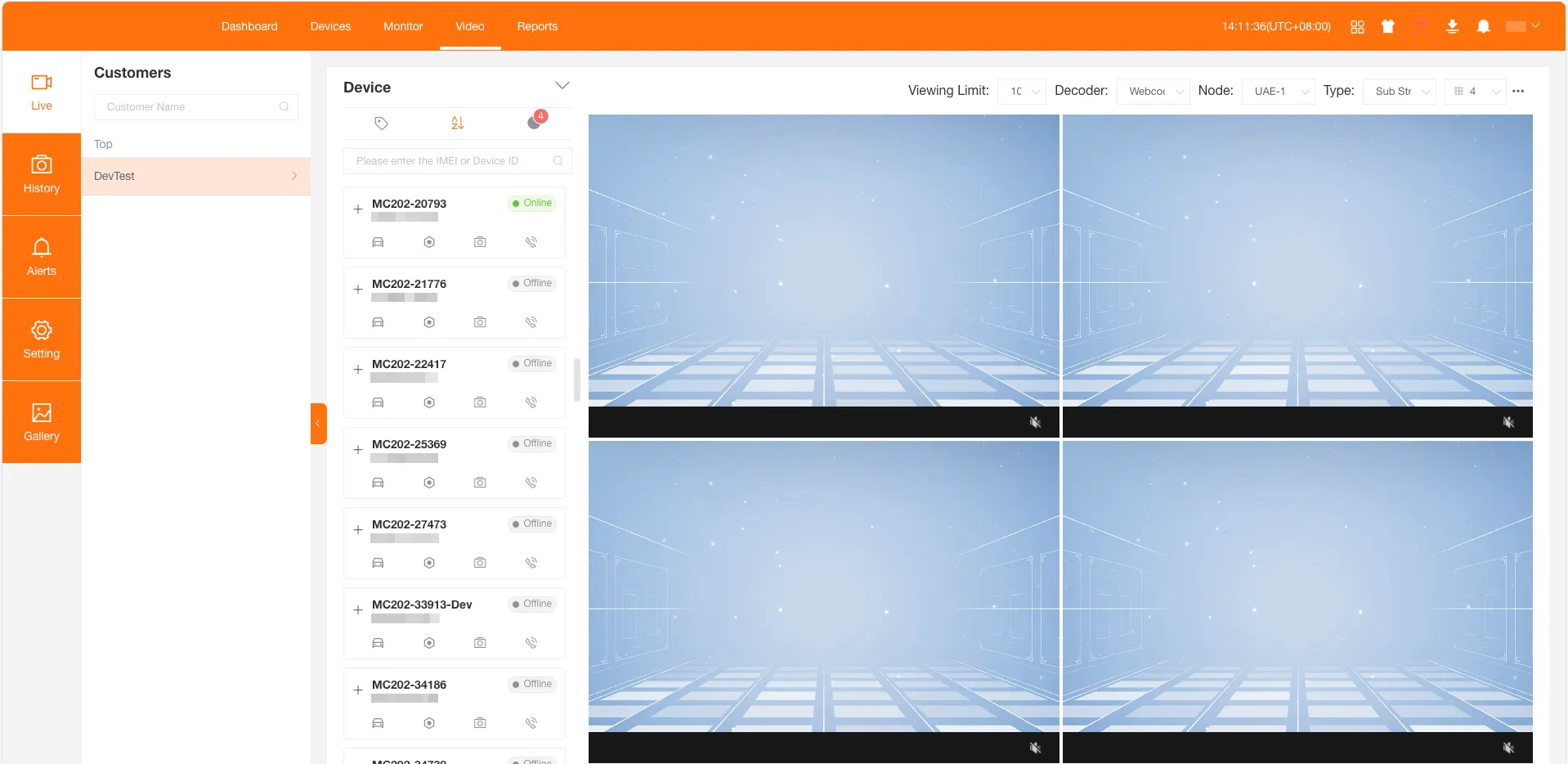
Menu Color
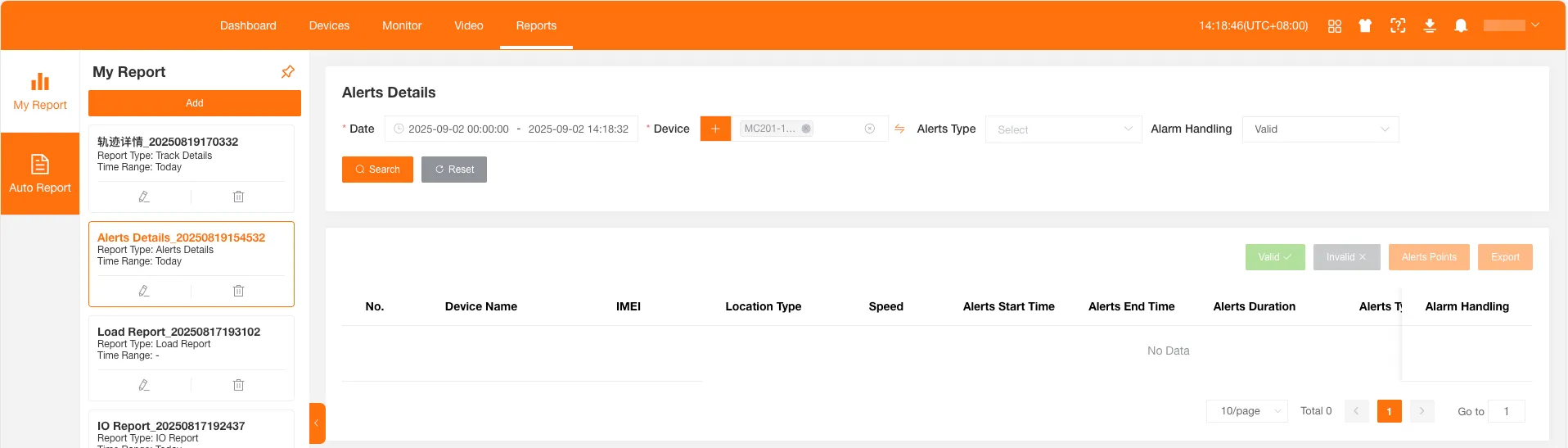
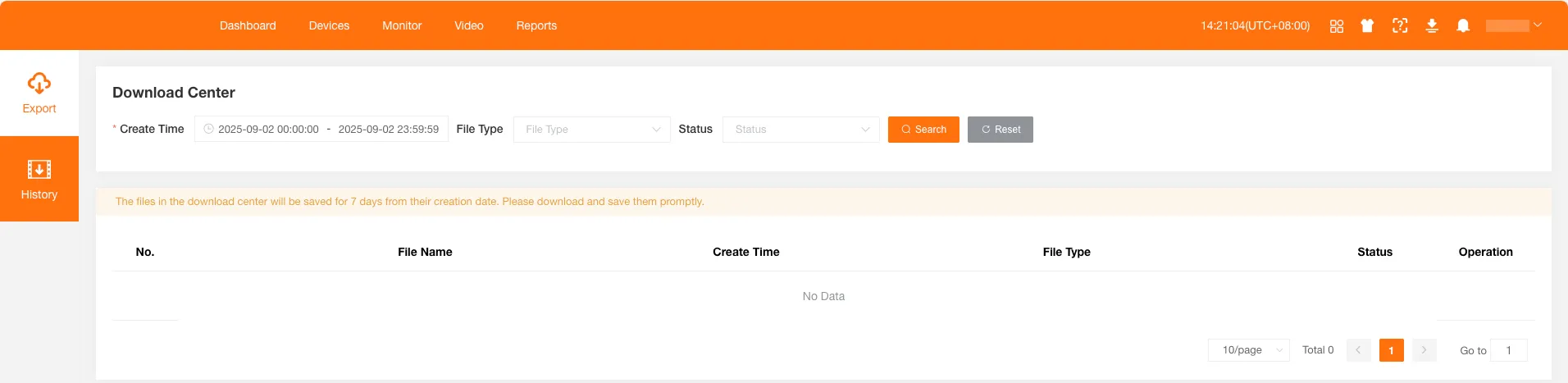
Section titled “Menu Color”Set the menu color scheme. You can choose Light or Dark. The default is Light; below are Dark theme effects:
Help Center
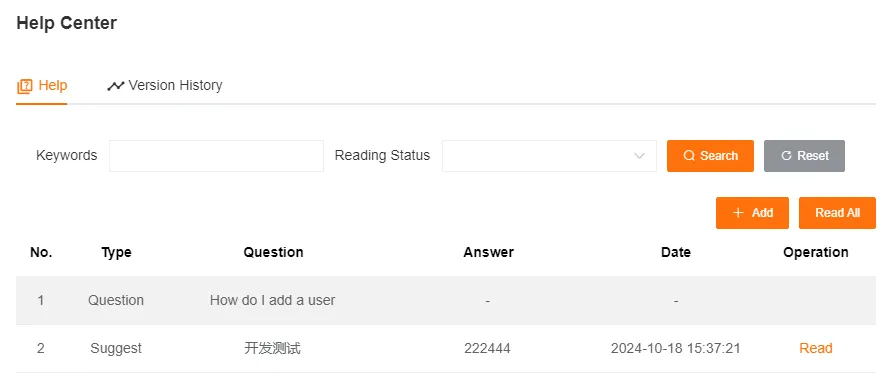
Section titled “Help Center”In the Help Center you can ask questions, submit suggestions, and view platform version history. When you receive a reply or a new version is released, the Help Center icon shows a notification badge.

Create questions, suggestions, or other feedback items here. After reading a new reply, the notification badge is automatically cleared.
Version History
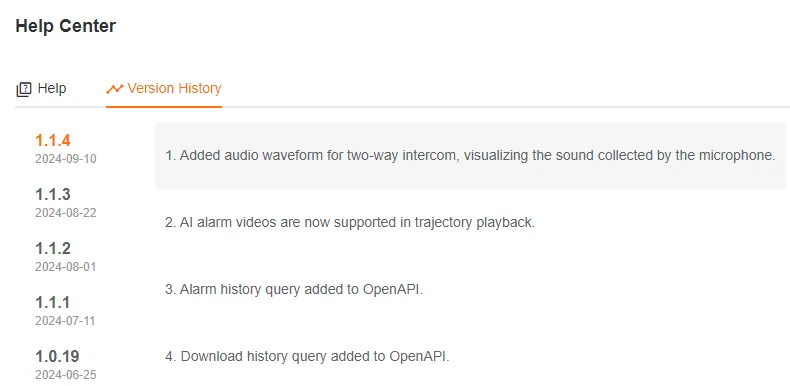
Section titled “Version History”View detailed version change records.