Device Commands
You can send commands to devices for remote configuration and operation. The set of supported commands varies by device model.
Sending a Single Command
Section titled “Sending a Single Command”For a single device, you can perform actions directly from the device list.
-
Select the Device for the Command
Find the target device in the device list and click the Command button.
-
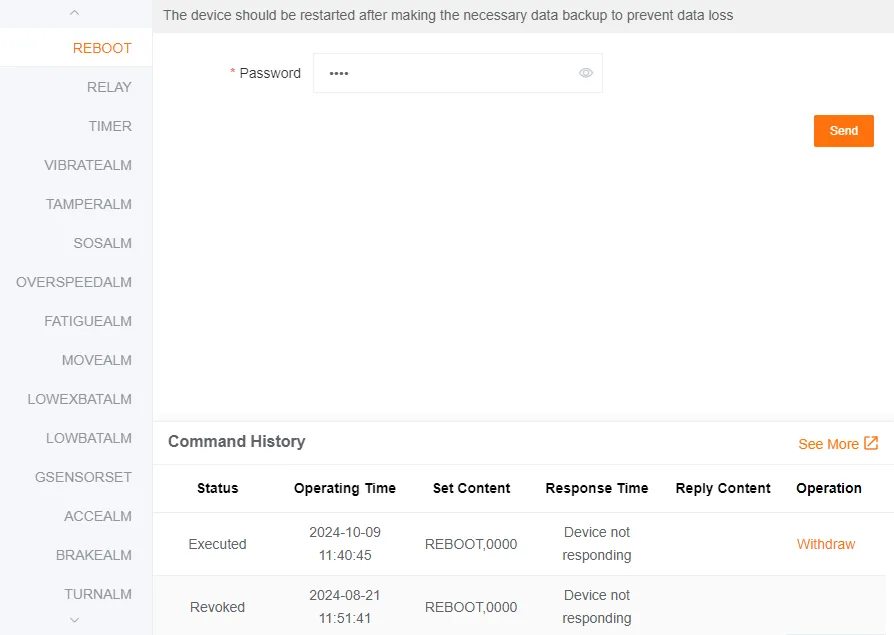
Enter the Command
Fill in the command details and send it.
-
Check the Command Execution Result
After the operation is complete, you can view the execution status of the last three commands in the table below.
Click More to view a more complete command history.
Offline Commands
Section titled “Offline Commands”When the target device is not online, the system will ask if you want to send an offline command.
Each device can only cache one offline command at a time. A newly sent offline command will overwrite any older, unexecuted command.
Offline commands are automatically sent the next time the device comes online.
Canceling a Command
Section titled “Canceling a Command”You can cancel a command that has not yet been executed.
Sending Batch Commands
Section titled “Sending Batch Commands”You can send the same command to multiple devices.
-
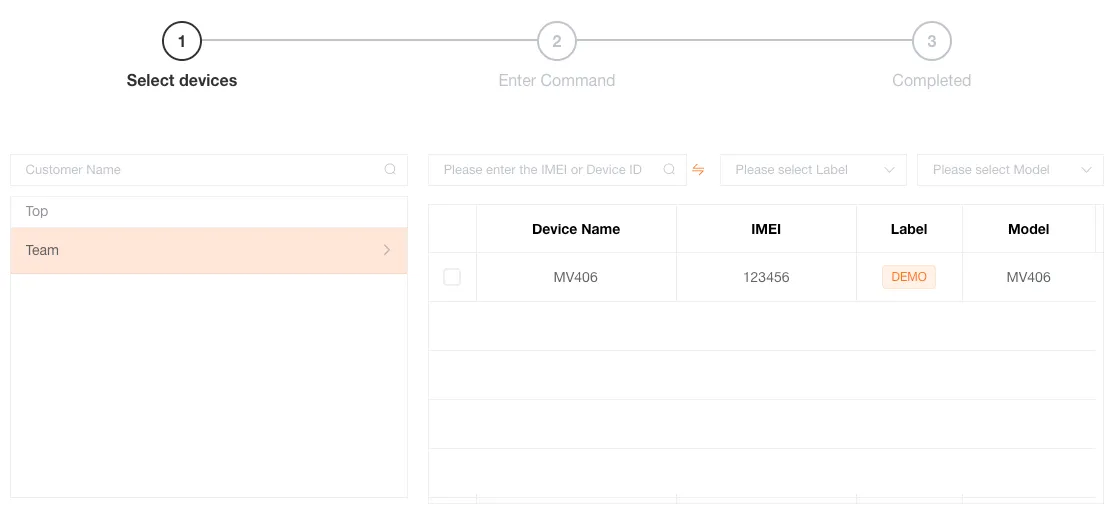
Select Devices for the Command
Click Batch Settings and check all same-model devices in the device list that need to receive the command.
-
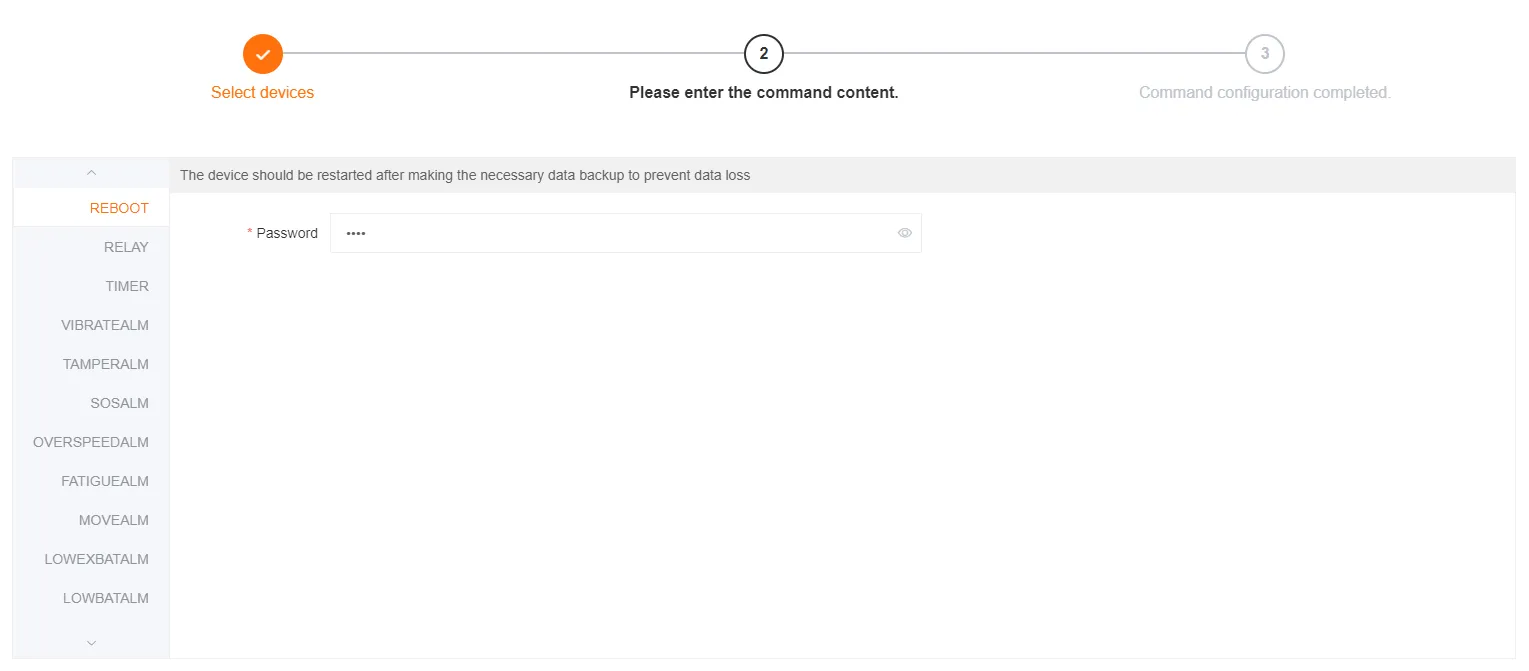
Enter the Command
Fill in the command details and send it.
-
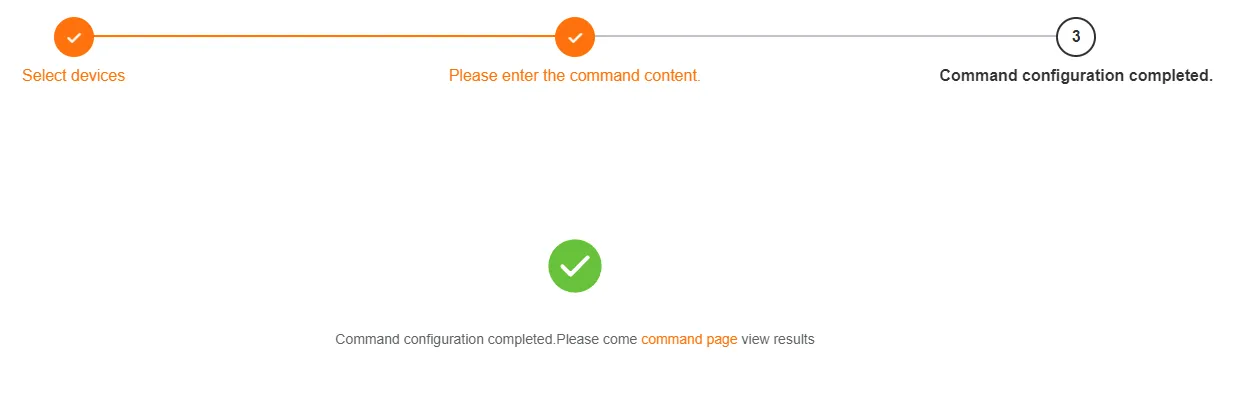
Check the Command Execution Result
After the operation is complete, the result of the command transmission will be displayed.