AI Alert
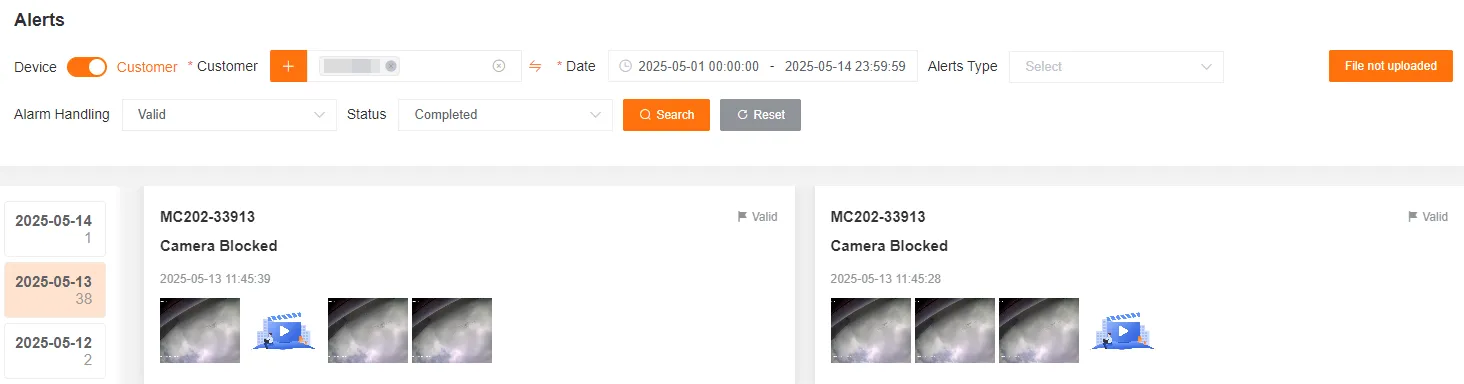
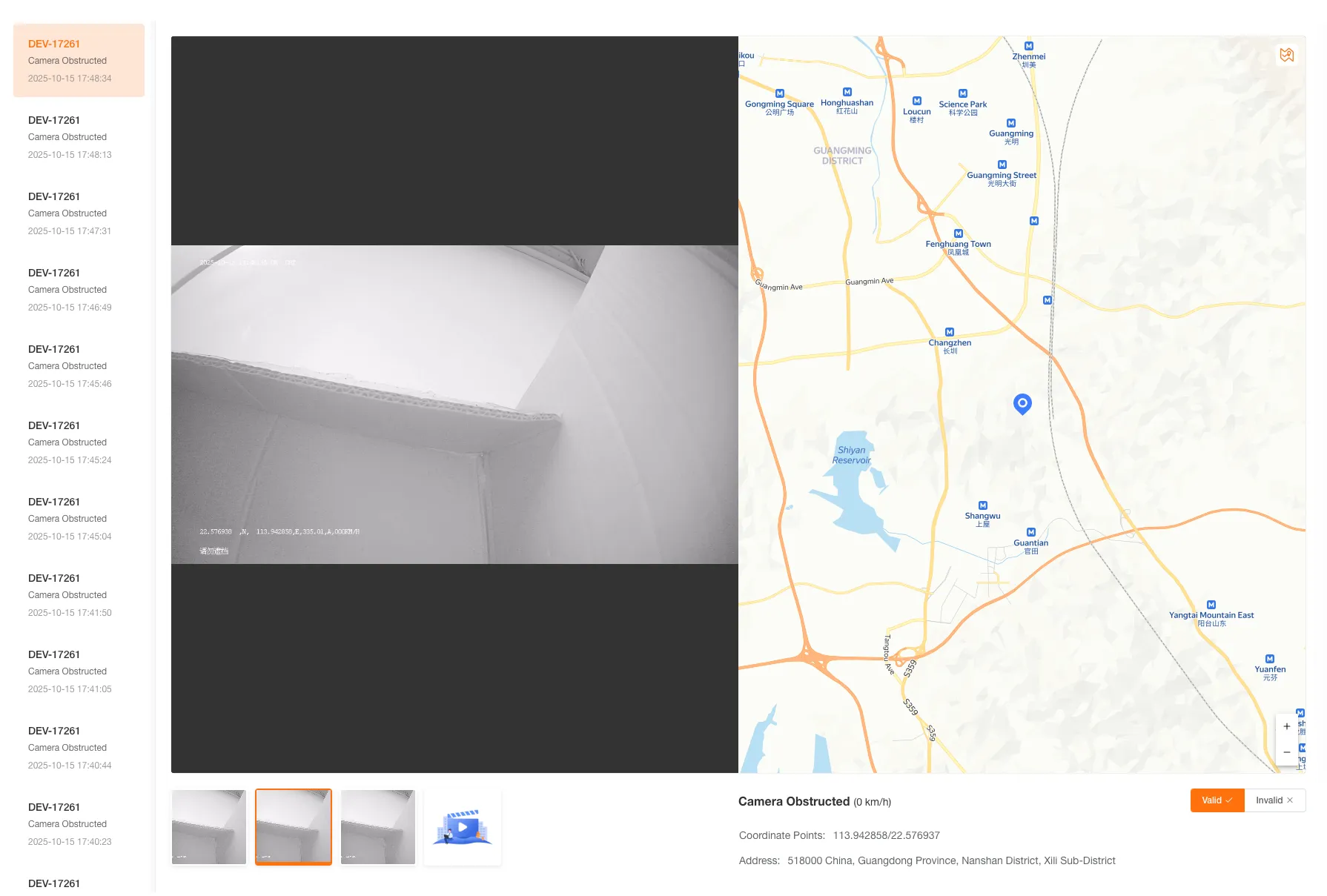
Query AI alert records by selecting conditions such as customer or device, date (up to 31 days), alert type, alert processing status, and file upload status. View images and videos in the alert records, such as face recognition, device occlusion, etc.
Click to switch dates; the number of alerts for that day is displayed below the date.
AI Alert Status
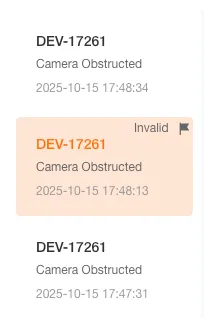
Section titled “AI Alert Status”Click the mark alert status button to mark the alert as valid or invalid.
AI Alert Files
Section titled “AI Alert Files”Re-upload AI Alert File
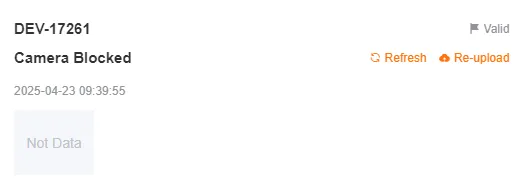
Section titled “Re-upload AI Alert File”When an alert file has not finished uploading, you can click the re-upload button to notify the device to re-upload the alert file.
Download AI Alert File
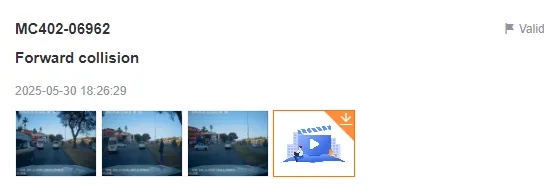
Section titled “Download AI Alert File”Click the download button in the upper right corner of the media file to download the alert file to your local machine.
View AI Alert File
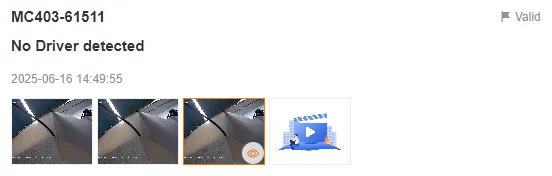
Section titled “View AI Alert File”Click on an alert file to view the alert image or video.
The list will display invalid markings.
The most recently viewed alert file will be highlighted.
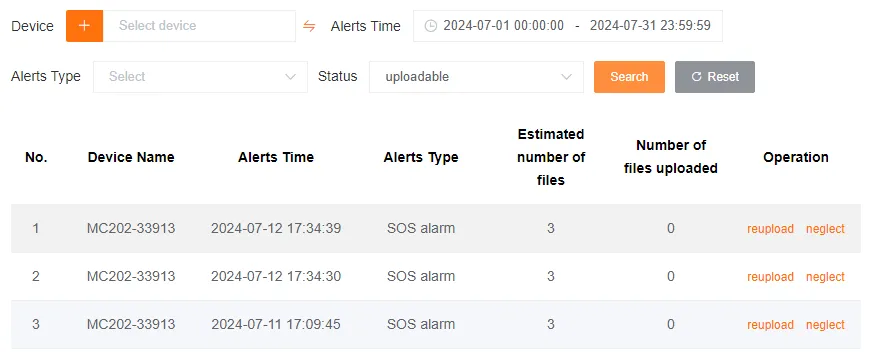
Un-uploaded AI Alert File Records
Section titled “Un-uploaded AI Alert File Records”Here you can view alert files that failed to upload due to network or other reasons.
When an alert file has not finished uploading, you can click re-upload to send a command to the device to re-upload the alert file.
You can also click ignore to no longer pay attention to this record.
AI Alert Settings
Section titled “AI Alert Settings”The AI alert settings feature includes parameter settings and settings synchronization.
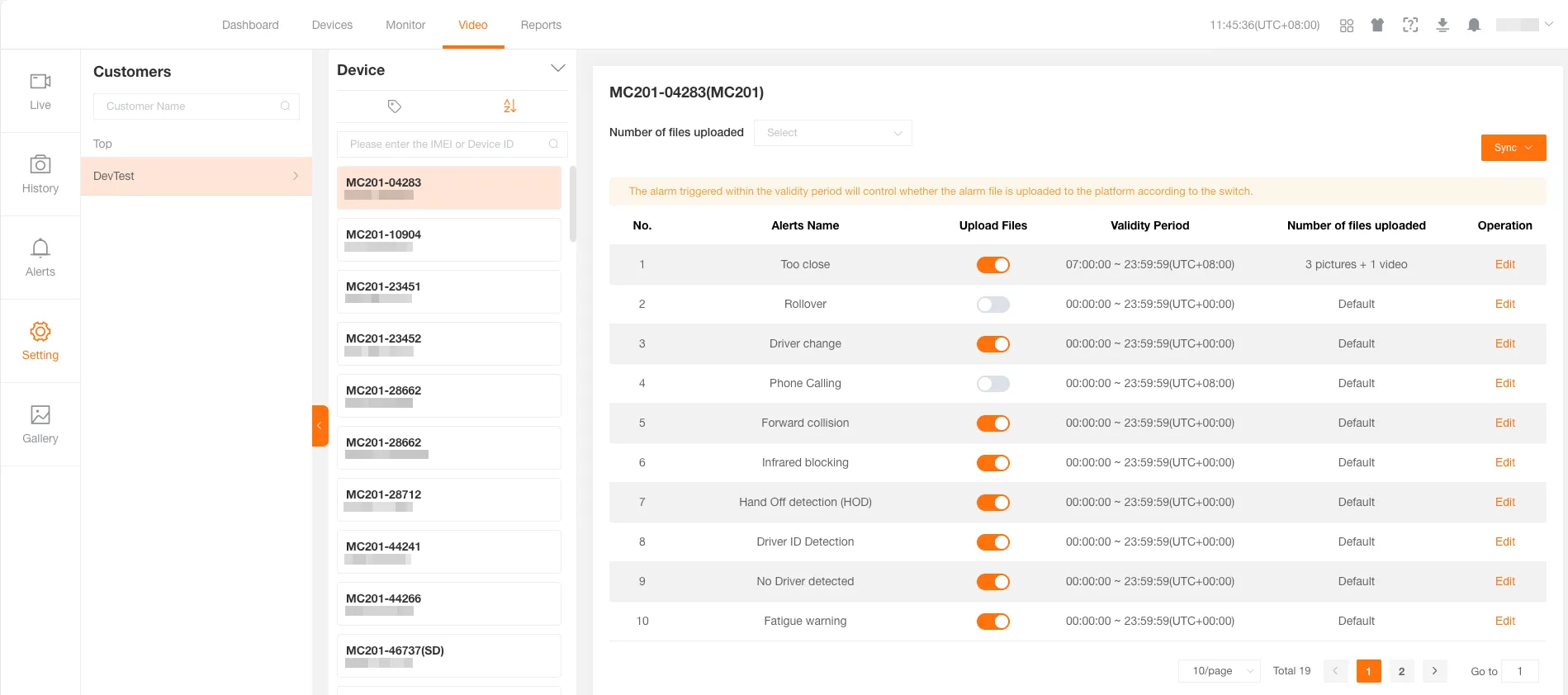
Batch Set Upload File Quantity
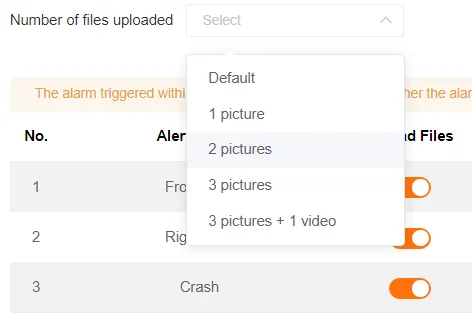
Section titled “Batch Set Upload File Quantity”ST devices: Support a combination of 0-3 images and 1 video. The device needs to be restarted for the settings to take effect.
TJ devices: Support options such as default, 1-3 images, 3 images and 1 video, etc.
Edit Individually
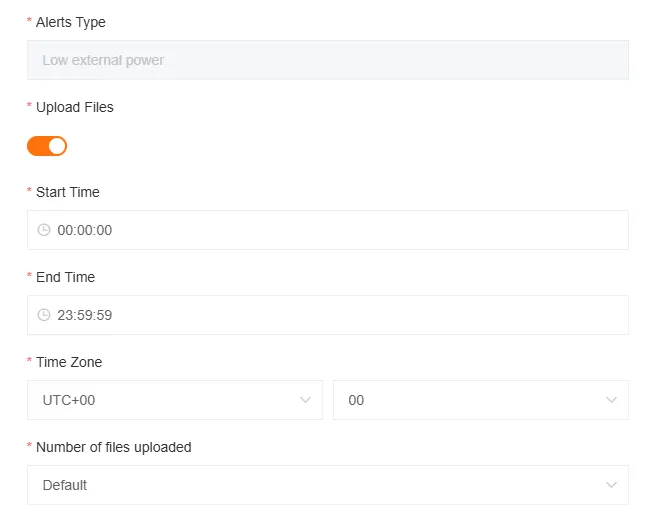
Section titled “Edit Individually”Click the Edit button to individually set the number of uploaded files and monitoring time for an alert.
ST devices do not display the number of uploaded files in edit mode and can only be modified in batches.
Synchronize Settings
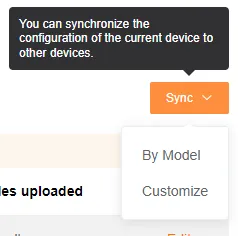
Section titled “Synchronize Settings”Use the Synchronize button to batch synchronize the current device’s AI alert settings to other devices, either by model or in a custom way.
ST devices do not have this feature.