MDVR Device Configuration
MDVR Device Configuration
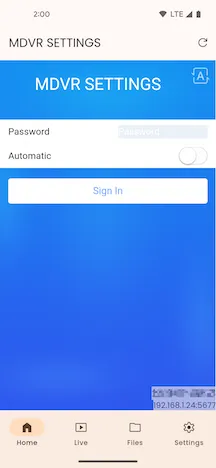
Section titled “MDVR Device Configuration”On the device configuration page, enter the correct MDVR device configuration password and click the Login button.
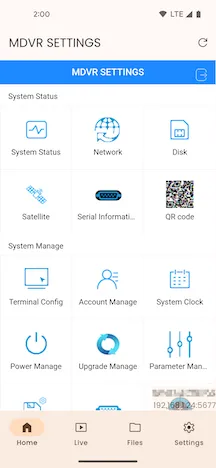
Configuration Options
Section titled “Configuration Options”The options available on the device configuration page may vary depending on the device model.
Refresh
Section titled “Refresh”You can refresh the MDVR device configuration by clicking the Refresh button on the top right of the app bar or by pulling down to refresh the page.
Click the Back button on the top left of the app bar to return to the previous page.