Live Streaming
Live Streaming
Section titled “Live Streaming”Selecting the Stream Type
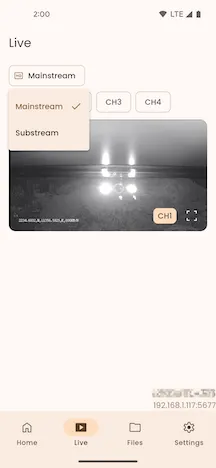
Section titled “Selecting the Stream Type”Click the Live Stream menu button to select either the Main Stream or Sub Stream for video streaming.
Selecting a Channel
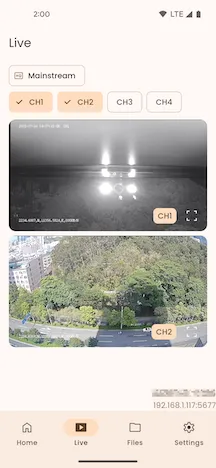
Section titled “Selecting a Channel”Click the Live Channel filter button to select the channel you want to watch.
Live Player
Section titled “Live Player”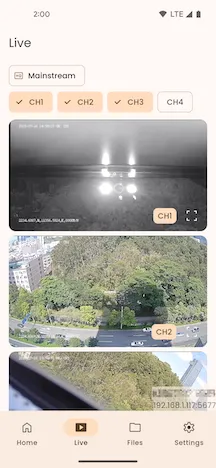
Click the Full Screen button in the bottom-right corner to enter full-screen live playback mode.

In full-screen mode, click the Exit Full Screen button in the bottom-right corner to return to the device’s live streaming page.