Downloaded File Management
Downloaded Files
Section titled “Downloaded Files”File List
Section titled “File List”The list of downloaded files is grouped by Device ID and displayed in ascending order of creation date.

File Information
Section titled “File Information”Each item in the downloaded device file list displays a video thumbnail, creation time, file size on disk, and media duration.
File Operations
Section titled “File Operations”Tap the More button on the right side of a file list item to perform the following operations from the pop-up menu:

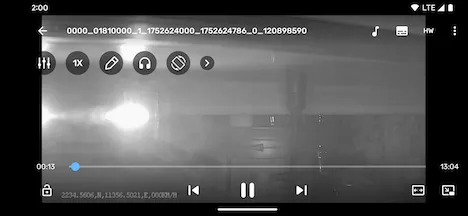
- Play: Plays the downloaded file using the system player.
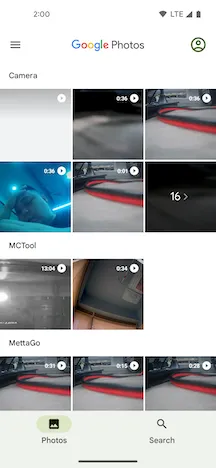
- Save to Gallery: Saves the downloaded file to the
MCToolfolder in the phone’s gallery. - Delete: Permanently deletes the downloaded file from the phone.
Play File
Section titled “Play File”Tap the video thumbnail of a downloaded file to play it using the system player.
Open Gallery
Section titled “Open Gallery”Tap the Open Gallery button in the bottom right corner to open the phone’s system gallery, where you can browse and manage files that have been saved to the gallery.