Device Pairing
Pairing Device
Section titled “Pairing Device”After opening the MCTool App, it enters the device pairing page.
Pairing in Progress
Section titled “Pairing in Progress”The App prioritizes pairing with an MDVR device via its hotspot and connects to it automatically. If not connected to a device hotspot, it scans the connected Wi-Fi to discover devices on the local area network.
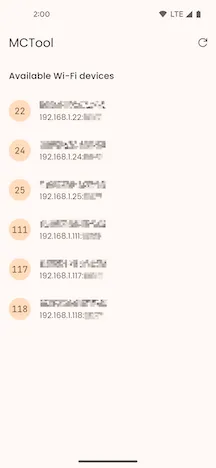
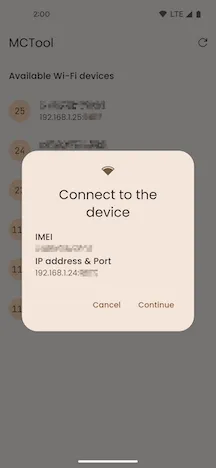
Connect to Device
Section titled “Connect to Device”Tap the prompt to connect to the device. After a successful connection, you will be taken to the MDVR Device Configuration page.
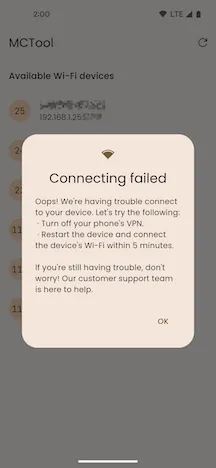
Connection Failed
Section titled “Connection Failed”A “Connecting failed” prompt is displayed. Please check your Wi-Fi connection and try to pair again, or refer to the device manual for troubleshooting.