Device File Download
Device File Download
Section titled “Device File Download”Download Status
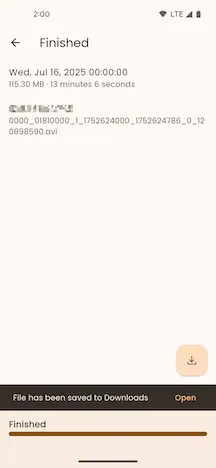
Section titled “Download Status”The top app bar displays the current download status.
File Information
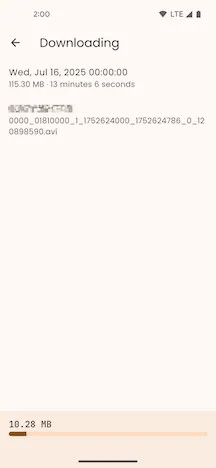
Section titled “File Information”The page displays the device file’s creation time, file size on disk, media duration, and its name and extension on the device.
Download Progress
Section titled “Download Progress”During the download, the bottom app bar shows the size of the file already downloaded and the download progress.
Transcoding Progress
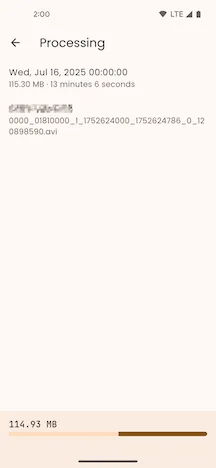
Section titled “Transcoding Progress”After the file is downloaded, it will be automatically transcoded, and the transcoding progress will be displayed.
Download Complete
Section titled “Download Complete”After the file is downloaded and transcoded, a “Saved to Downloaded Files” prompt will appear. Click the Downloaded Files button in the lower right corner to navigate to the Downloaded Files page to play and manage the files.