Downloaded File Management
Downloaded Files
Section titled “Downloaded Files”File List
Section titled “File List”The list of downloaded files is grouped by Device ID and displayed in ascending order of creation date.

File Information
Section titled “File Information”Each item in the downloaded device file list displays a video thumbnail, creation time, file size on disk, and media duration.
File Operations
Section titled “File Operations”Select More next to a file. Select an action from the menu:
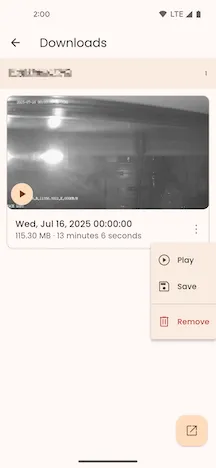
- Play: Plays the downloaded file using the system player.
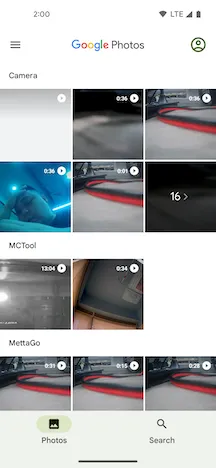
- Save to Gallery: Saves the downloaded file to the MCTool folder in the phone’s gallery.
- Delete: Permanently deletes the downloaded file from the phone.
Play File
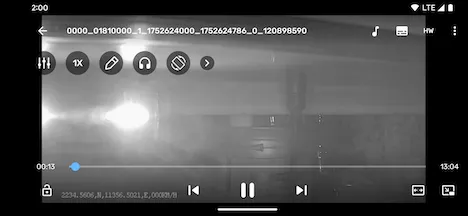
Section titled “Play File”Select a file thumbnail to play the file with the system player.
Open Gallery
Section titled “Open Gallery”Select Open Gallery to open the phone gallery. View and manage the files saved in the gallery.