Gallery
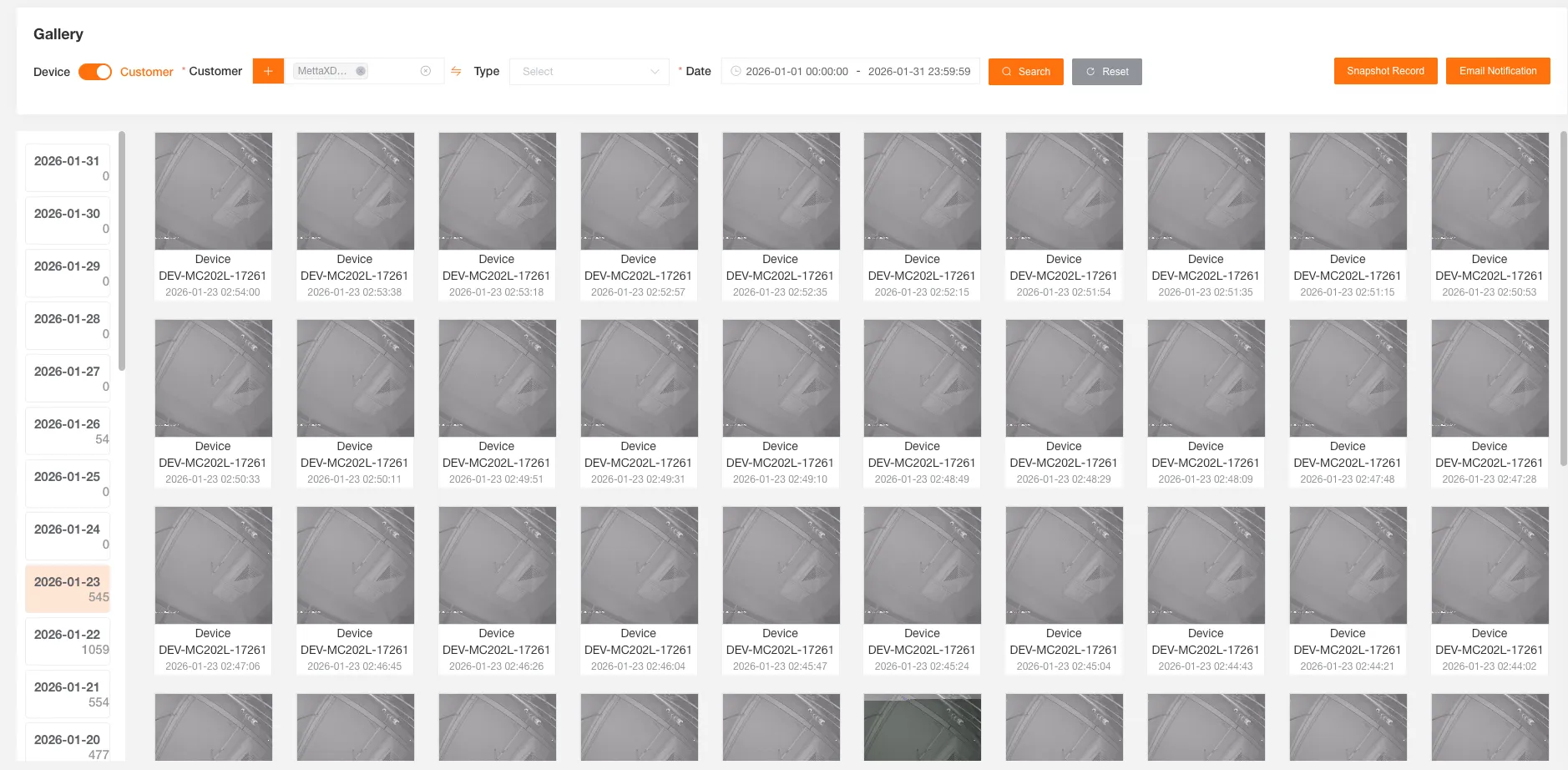
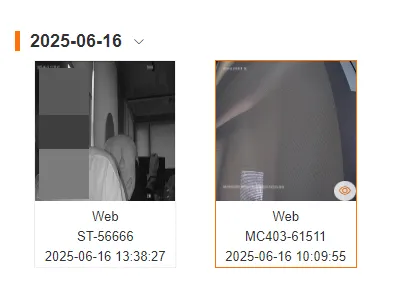
You can query a device’s image gallery by selecting conditions such as customer or device, date, and source type. The gallery includes images captured from the console and those uploaded at regular intervals.
Click to switch dates, and the number of files for that day is displayed below the date.
Media Files
Section titled “Media Files”Email Notification
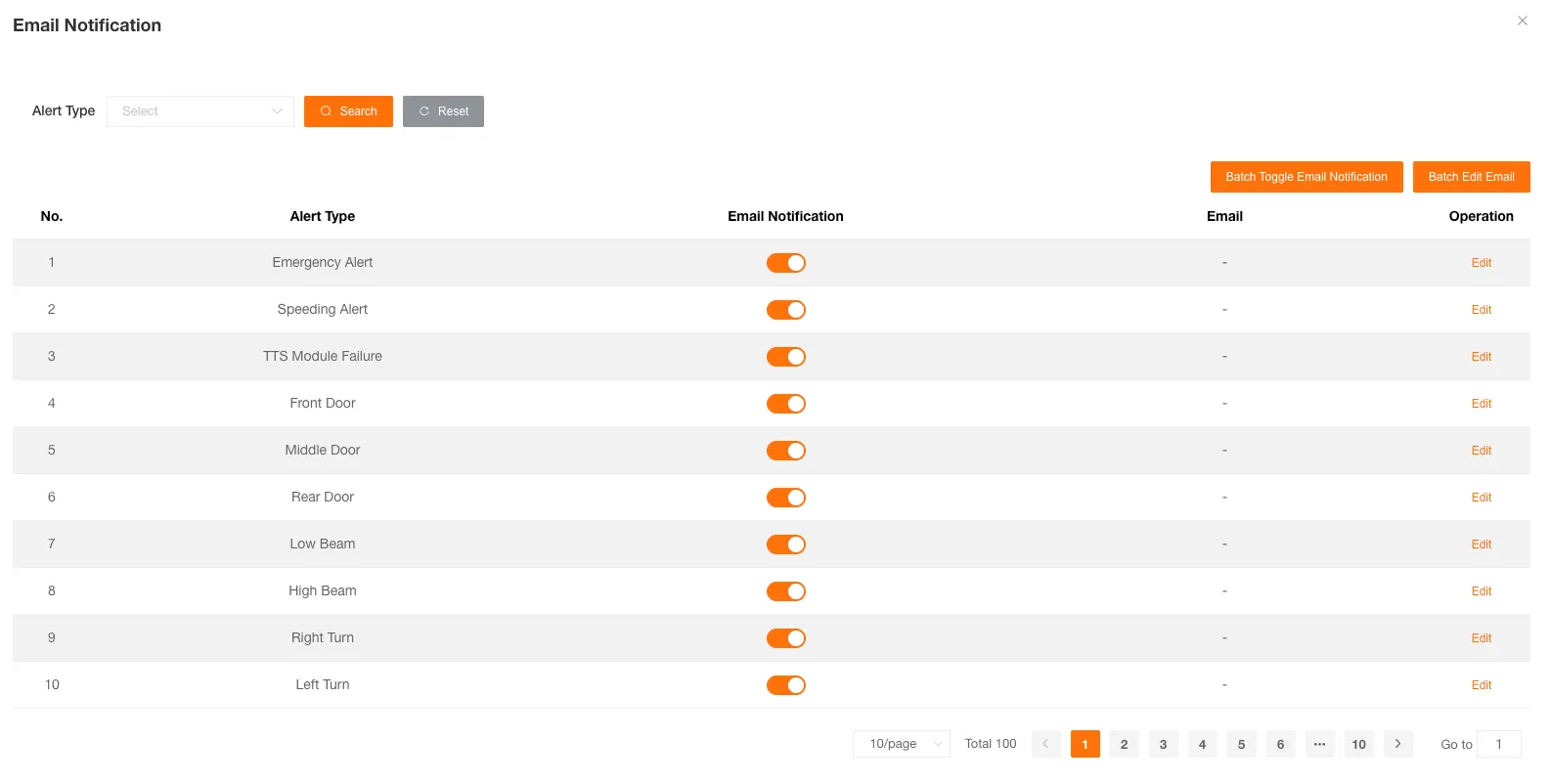
Section titled “Email Notification”Click Email Notification. You can independently enable/disable notifications and set email addresses for individual alarm types, or perform batch operations. Once configured, the system will automatically send alerts to the designated email addresses when new linkage alarms occur.
Download Media Files
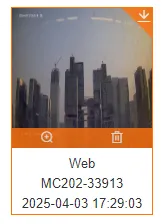
Section titled “Download Media Files”Click the download button in the top right corner of a media file to download it to your local machine.
View Media Files
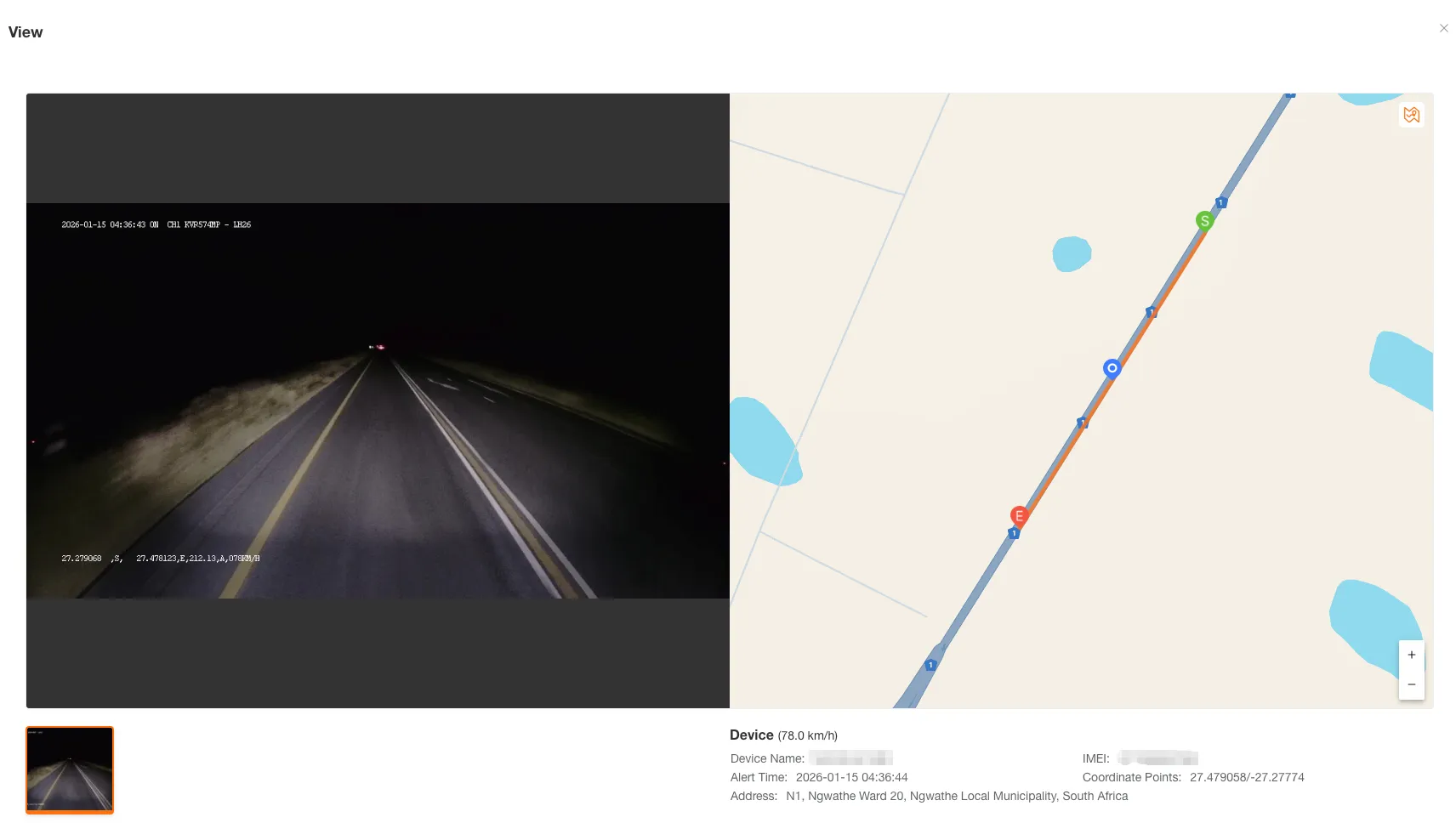
Section titled “View Media Files”Click a media file to view the image or video.
The most recently viewed media file will be highlighted.
Delete Media Files
Section titled “Delete Media Files”Click the delete button at the bottom of a media file to delete it.
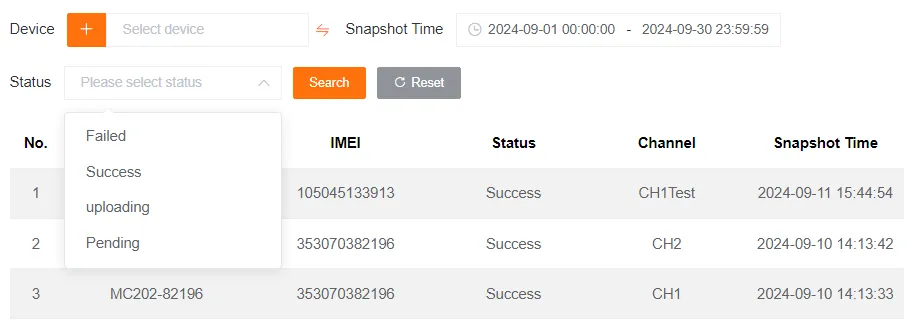
Capture History
Section titled “Capture History”You can view the capture history.